

What to Do When Your UPS Battery Dies: Step-by-Step Troubleshooting
Nothing ruins your day quite like discovering your UPS battery has given up the ghost. Whether you're protecting critical business equipment or just trying to keep your home office running smoothly, a dead UPS battery can feel like a major crisis. But before you panic or rush out to buy a replacement, take a deep breath. Most UPS battery issues can be diagnosed and often resolved with some systematic troubleshooting.
The good news? You don't need to be an electrical engineer to figure out what's wrong. With the right approach and a little patience, you can determine whether your battery truly needs replacement or if there's a simpler fix waiting to be discovered.
Start With the Basics: Initial Diagnosis
Before diving into complex diagnostics, let's cover the fundamentals. You'd be surprised how often the "dead battery" turns out to be something much simpler.
Check Your Connections First
This might sound obvious, but loose connections are responsible for more UPS "failures" than you'd expect. Start by examining all power cables connecting your UPS to the wall outlet and to your equipment. Give each connection a gentle wiggle – if anything feels loose, that could be your culprit right there.
Don't forget to test the wall outlet itself. Plug in a lamp or phone charger to verify the outlet is actually working. Sometimes what appears to be a UPS problem is actually a tripped circuit breaker in your electrical panel.
Look for the Obvious Signs
Take a close look at your UPS display panel. Most modern units from manufacturers like APC by Schneider Electric and CyberPower provide clear error messages or warning lights that can point you toward the specific problem. Common indicators include:
• Flashing red lights or error codes • Continuous beeping or alarm sounds • Display showing "Replace Battery" or similar warnings • No display at all when plugged in

Testing Your Battery's Health
Now let's get into the meat of the diagnosis. Testing your UPS battery doesn't require expensive equipment – a basic multimeter will do the job.
The Voltage Test
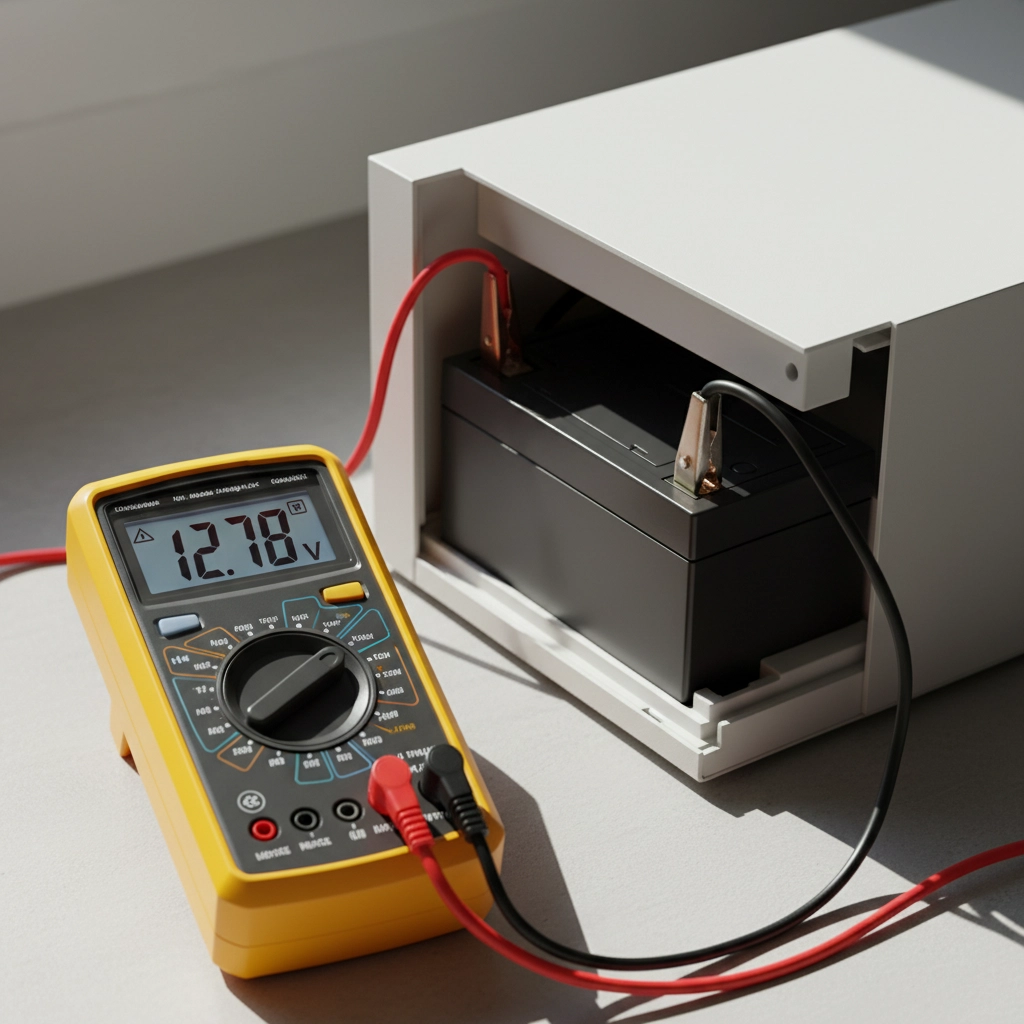
If you have a multimeter handy, this is your most reliable diagnostic tool. Access your UPS battery (usually located in a compartment on the back or bottom of the unit) and carefully measure the voltage across the battery terminals.
A healthy 12-volt UPS battery should read between 12.5 and 13.8 volts when fully charged. If you're seeing 10 volts or less, your battery is likely toast. Readings between 10-12 volts suggest the battery might recover with proper charging, but could also indicate charging circuit problems.
The Runtime Test
Here's a simple real-world test: unplug your UPS from the wall outlet while it's supporting a light load (maybe just your router and modem). Time how long the UPS can maintain power to your equipment.
Compare this runtime to the manufacturer's specifications for your unit. If you're getting significantly less runtime than expected – say, 5 minutes instead of the rated 15 minutes – your battery capacity has degraded beyond useful levels.
Software Monitoring Tools
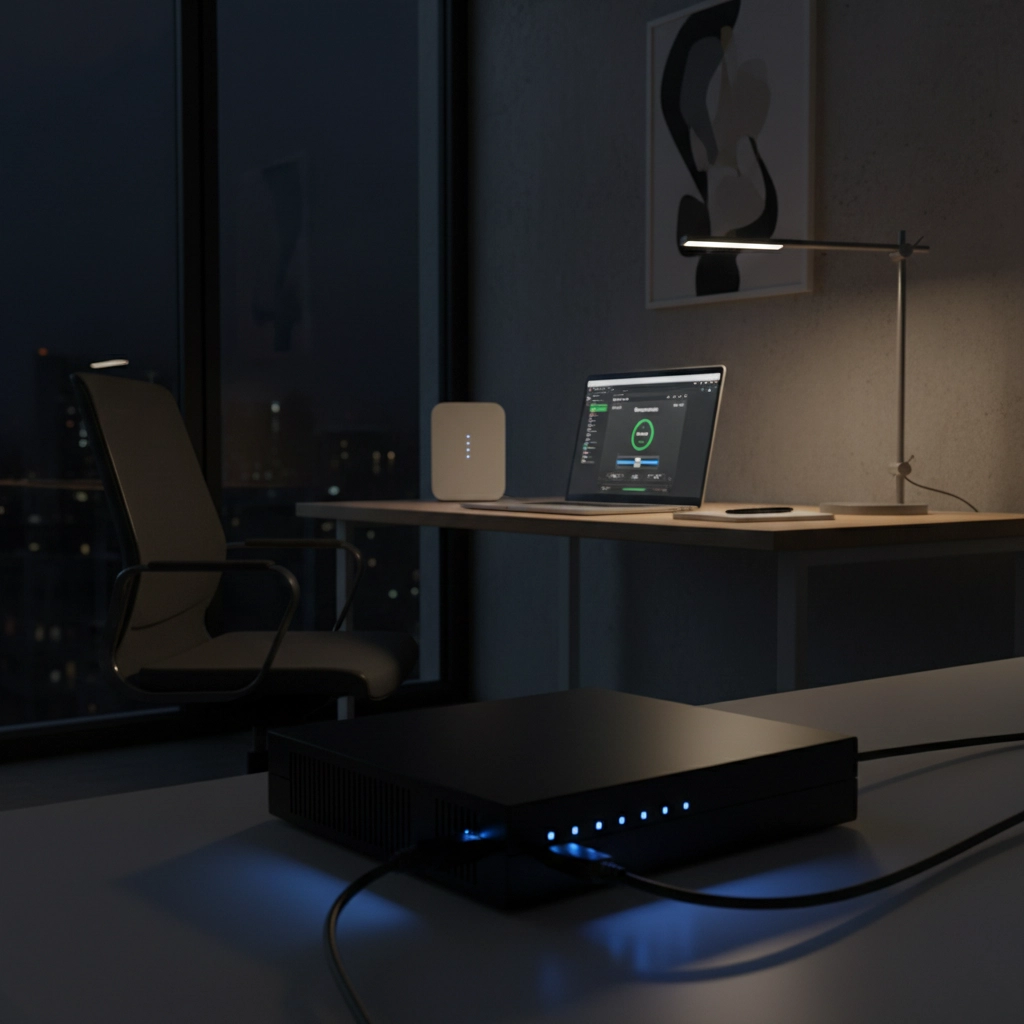
Many UPS manufacturers offer free monitoring software that can provide detailed battery health information. Minuteman and Vertiv both offer excellent diagnostic tools that can show you battery condition, estimated runtime, and charging status in real-time.
Common Culprits Behind Battery Failure
Understanding why UPS batteries fail can help you determine the best course of action. Here are the most frequent causes we see:
Natural Aging
UPS batteries typically last 3-5 years under normal conditions. If your battery is approaching this age range, replacement is likely your best option. Like car batteries, UPS batteries gradually lose their ability to hold a charge over time.
Overload Conditions
Running your UPS beyond its capacity rating can significantly shorten battery life. Check the total wattage of all connected equipment and compare it to your UPS's capacity rating. If you're consistently running at 80% or higher capacity, you're stressing the battery unnecessarily.
Environmental Factors
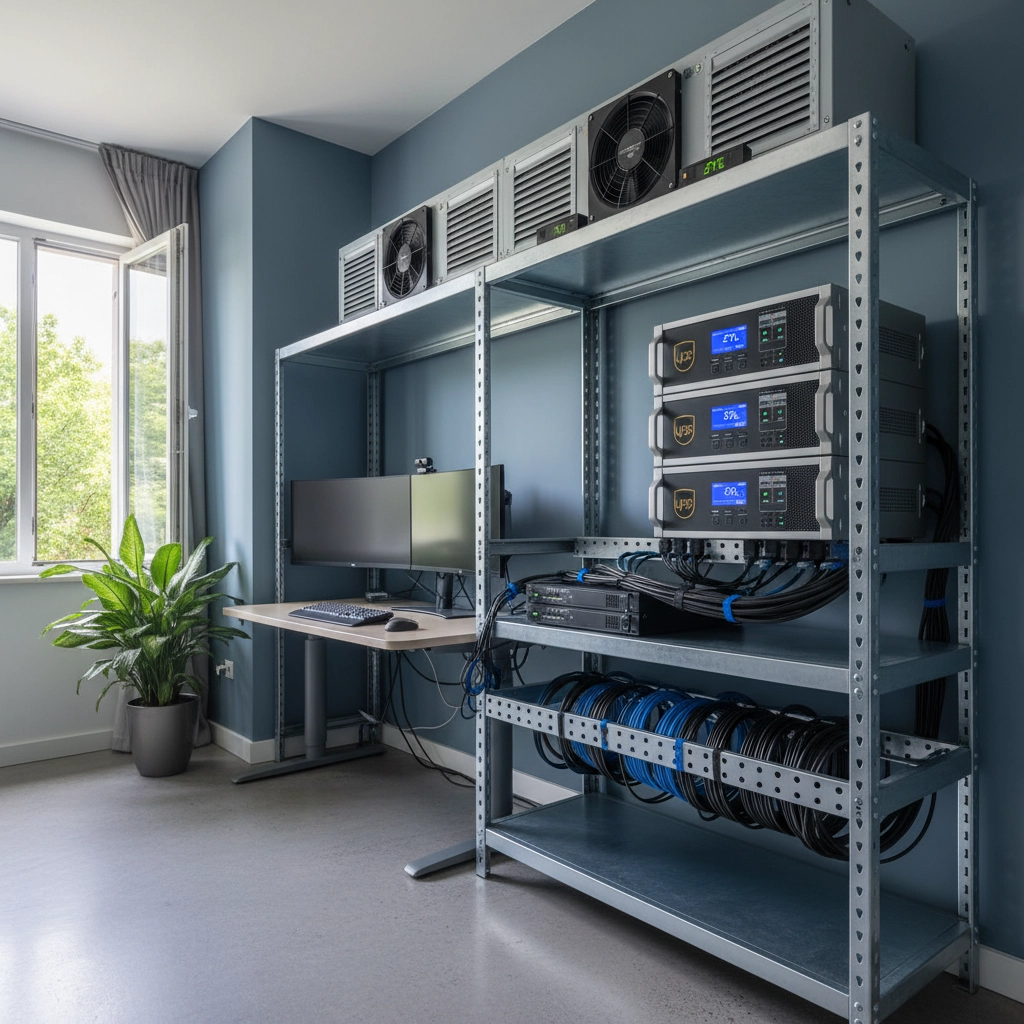
Heat is a battery killer. UPS units stored in hot environments (like stuffy closets or server rooms without proper ventilation) will experience accelerated battery degradation. Similarly, extremely cold conditions can temporarily reduce battery performance.
Charging Circuit Problems
Sometimes the battery itself is fine, but the UPS's internal charging circuit has failed. This is more common in older units and typically requires professional repair or replacement of the entire UPS.
Step-by-Step Troubleshooting Process
Let's walk through a systematic approach to diagnosing your UPS battery issue:
Step 1: Safety First
Always shut down connected equipment properly before beginning any UPS troubleshooting. This protects your devices and gives you peace of mind while working.
Step 2: Perform a Load Test
With the UPS unplugged from wall power, connect a small load (like a desk lamp) and see if the UPS can power it. If the UPS immediately shuts down or can't maintain power for even a few minutes, the battery is likely dead.
Step 3: Check for Physical Damage
Remove the battery and inspect it for obvious signs of failure: bulging case, corroded terminals, or any liquid leakage. These are clear indicators that replacement is necessary.
Step 4: Clean and Reconnect
Sometimes corrosion on battery terminals can cause connection problems that mimic battery failure. Clean the terminals with a wire brush and reconnect securely.
Step 5: Full Charge Cycle
If the battery appears physically sound, try giving it a full 24-hour charge cycle. Some deeply discharged batteries can recover if given enough time to charge properly.
Step 6: Professional Assessment
If you've completed these steps and still have issues, it's time to contact our team for professional diagnosis.
When to Replace vs. When to Repair
Here's the bottom line: if your UPS battery is more than 4 years old and showing signs of failure, replacement is almost always more cost-effective than attempting repairs. New batteries are relatively inexpensive compared to the cost of professional repair services.
However, if your UPS is relatively new (less than 2 years old) and experiencing problems, the issue might be with the charging circuit or other internal components. In these cases, warranty repair might be your best option.
The Battery Replacement Process
If you've determined that battery replacement is necessary, here's how to do it safely:
Gather Your Tools
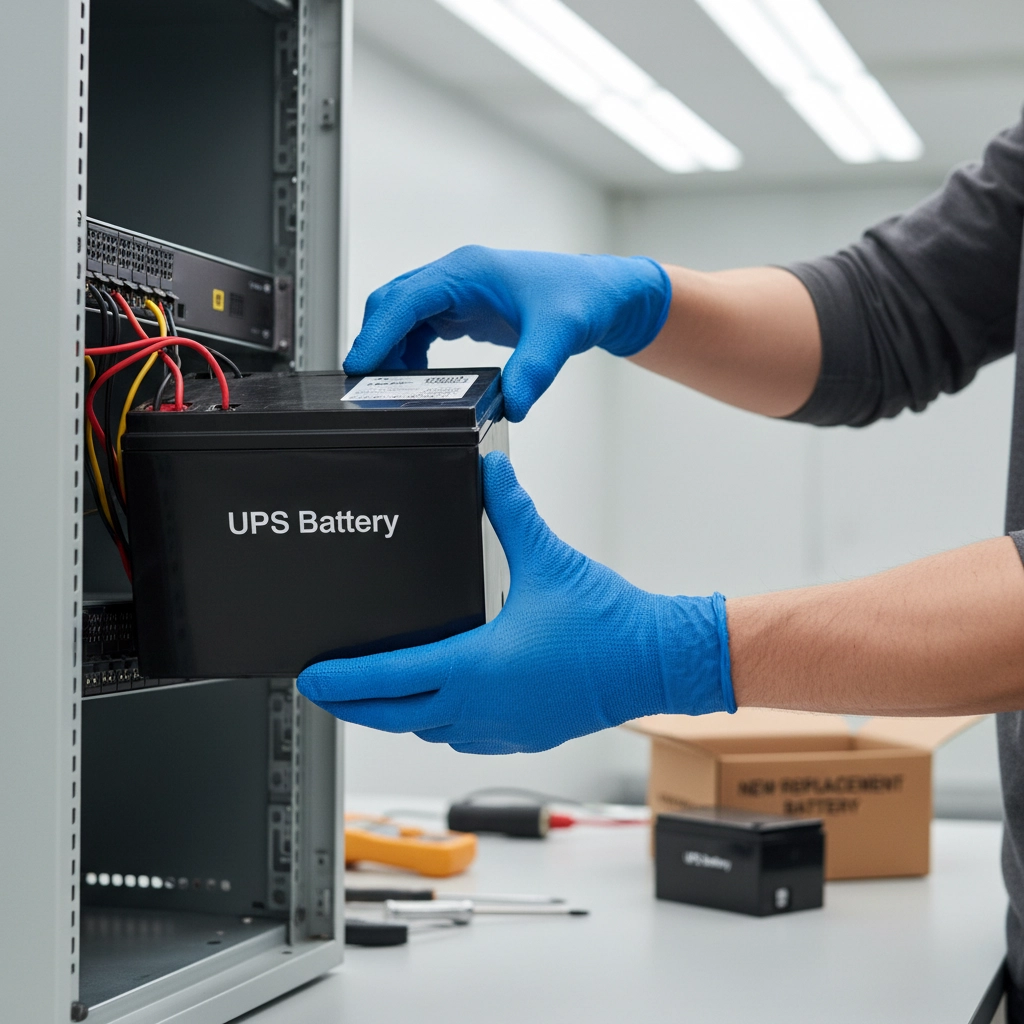
You'll need a replacement battery (make sure it matches your UPS model's specifications), basic hand tools, and safety equipment like gloves and safety glasses.
Power Down Everything
Shut down all connected equipment and disconnect the UPS from all power sources. This includes unplugging it from the wall and disconnecting all equipment cables.
Access the Battery
Most UPS units have easily accessible battery compartments. Remove the necessary panels or covers to reach the battery.
Remove the Old Battery
Carefully disconnect the battery terminals (negative first, then positive) and lift out the old battery. UPS batteries can be heavy, so use proper lifting technique.
Install the New Battery
Place the new battery in position and connect the terminals (positive first, then negative). Make sure all connections are snug and secure.
Test the Installation
Reassemble your UPS, plug it back in, and run a test cycle to ensure everything is working properly.
Prevention: Keeping Your Next Battery Healthy
Once you've got your UPS running again, here are some tips to maximize your new battery's lifespan:
• Keep the UPS in a cool, dry location with good ventilation • Don't overload the unit – stay below 80% of rated capacity • Test your UPS monthly by unplugging it briefly • Replace the battery proactively every 3-4 years • Keep firmware updated if your UPS supports it
Get Professional Help When You Need It
While many UPS battery issues can be resolved with DIY troubleshooting, don't hesitate to seek professional help when needed. Complex charging circuit problems, frequent battery failures, or issues with critical business equipment warrant expert attention.
At Ace Real Time Solutions, we work with all major UPS brands and can help you determine whether repair or replacement makes the most sense for your situation. Our team has the experience to quickly diagnose problems and get your power protection back online with minimal downtime.
Ready to ensure your power protection system is running at its best? Contact us today for professional UPS assessment and battery replacement services. Don't let a dead battery leave your critical equipment vulnerable – take action now to protect what matters most.