

The "Printer" Trap: Why Plugging a Laser Printer Into Your UPS is a Recipe for Disaster (and What to do Instead)
We've all been there. You've got a nice UPS unit under your desk protecting your workstation, and you spot a few extra battery-backed outlets just sitting there unused. Your laser printer is right next to it, so you think, "Why not give it some backup power too?"
Stop right there.
That innocent decision could take down your entire power protection system faster than you can say "paper jam." Here's why laser printers and UPS systems are a terrible match, and what you should actually do to keep both your critical equipment and your printer safe.
The Power-Hungry Reality of Laser Printers
Laser printers aren't like your computer or monitor. They don't sip power steadily, they gulp it down in massive, sudden bursts. The culprit? The fuser assembly.
The fuser is the component that melts toner onto paper using intense heat. When your laser printer fires up or starts a print job, that fuser can draw anywhere from 400 to 1,000 watts in sudden surges. For context, that's roughly the same as running a microwave oven, except it happens in rapid, unpredictable pulses rather than a steady draw.
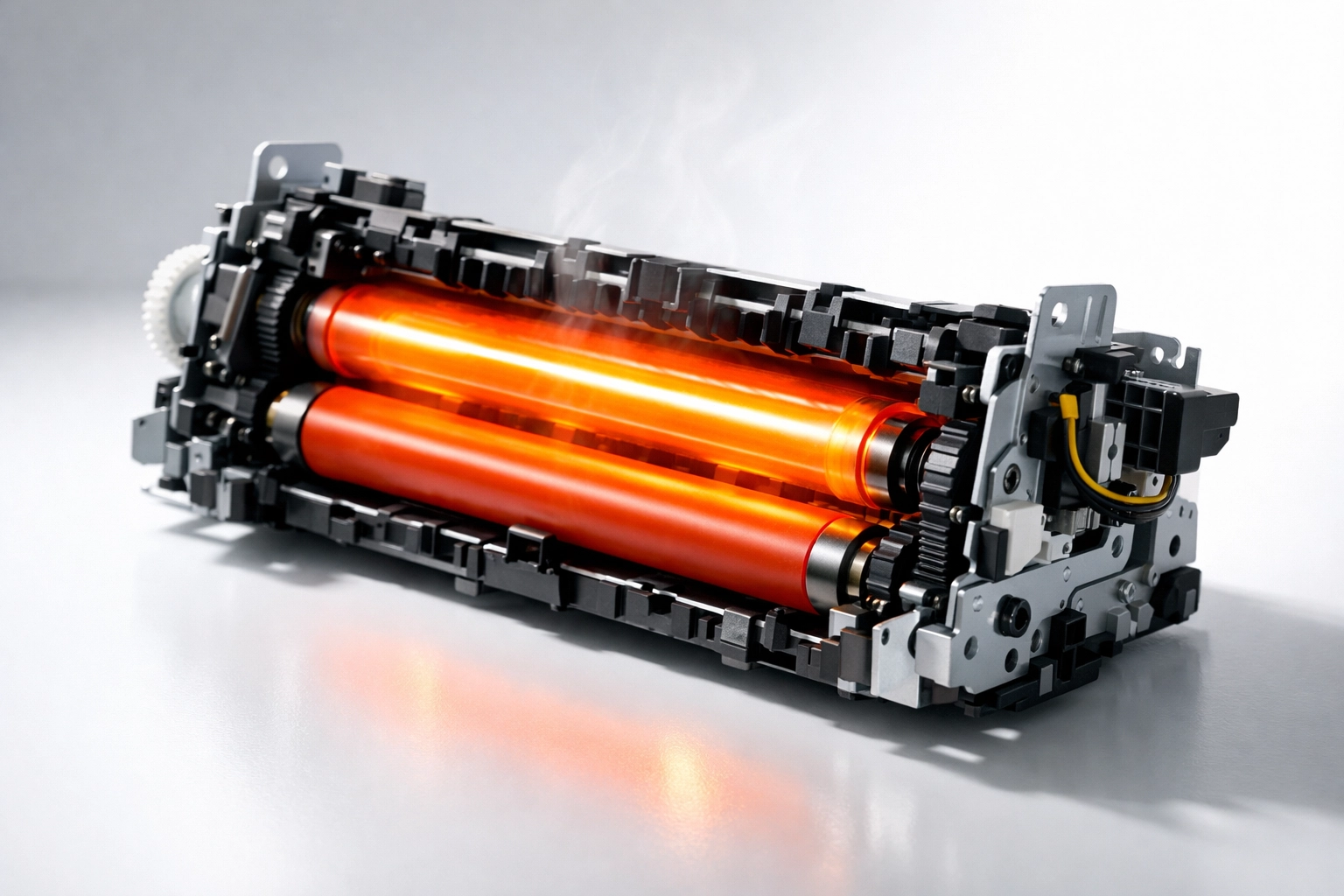
Your UPS battery backup simply wasn't designed for this kind of abuse. While it can handle the gradual, consistent power draw of computers and networking equipment, those massive inrush currents from a laser printer will drain the battery in minutes, or worse, trigger the UPS to shut down entirely to protect itself.
What Actually Happens When You Plug In That Printer
Let's walk through the disaster scenario step by step.
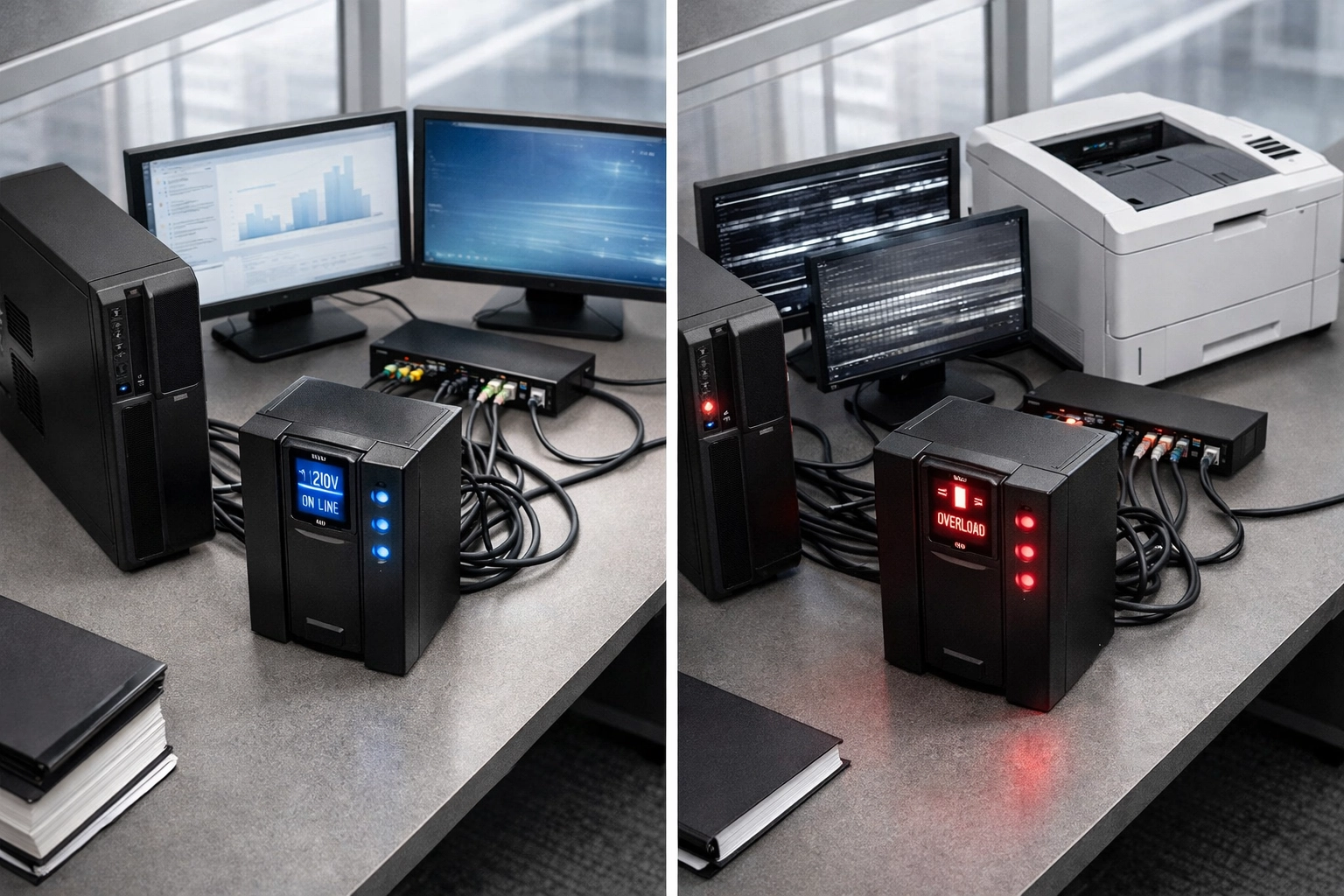
You've got your workstation, dual monitors, and maybe a network switch all running happily off your UPS battery outlets. Everything's humming along nicely. Then you plug in the laser printer and hit print.
Surge: The fuser kicks on, drawing 800+ watts instantly. Your UPS battery, which was designed to provide maybe 10-15 minutes of runtime for your computer setup during an outage, suddenly sees its capacity decimated.
Voltage sag: The heavy load causes voltage instability across all the battery-backed outlets. Your computer might brown out or restart. Your monitors could flicker.
Battery depletion: In a real power outage scenario, instead of having 15 minutes to save your work and shut down properly, you might get 2-3 minutes before everything goes dark, if the UPS doesn't just shut itself off immediately from overload.
Potential UPS failure: Repeated exposure to these surge loads can actually damage the UPS unit itself, shortening its lifespan or causing premature battery failure.
According to industry data, improper UPS loading is responsible for roughly 30% of unexpected UPS failures in office environments. Don't let your printer be the reason your critical systems go down.
"But What About a Surge Protector?"
Okay, so you're convinced the UPS is out. What about just using a regular surge protector strip? That should be fine, right?
Not quite.
While a surge protector is definitely better than a UPS for this application, it's still not ideal. Most standard surge protectors use simple metal oxide varistor (MOV) components to clamp voltage spikes. They're great for protecting against lightning strikes and grid surges, but they create a current bottleneck when your laser printer demands that sudden rush of power.
Here's what typically happens: The printer tries to draw its full startup current, but the surge protector's circuitry can't deliver it fast enough. This can cause:
- Extended warm-up times for your printer
- Print quality issues
- Premature component wear
- In extreme cases (especially with larger commercial printers), manufacturers like Lexmark have actually warned that inadequate power delivery through surge devices creates fire risks and potential property damage
HP's support team routinely recommends removing printers from surge protectors as a troubleshooting step for performance issues. That should tell you something.
The Right Solution: Line Conditioners and Dedicated Circuits
So if UPS units and surge protectors are both problematic, what's the answer? You've got two solid options.
Option 1: Line Conditioners
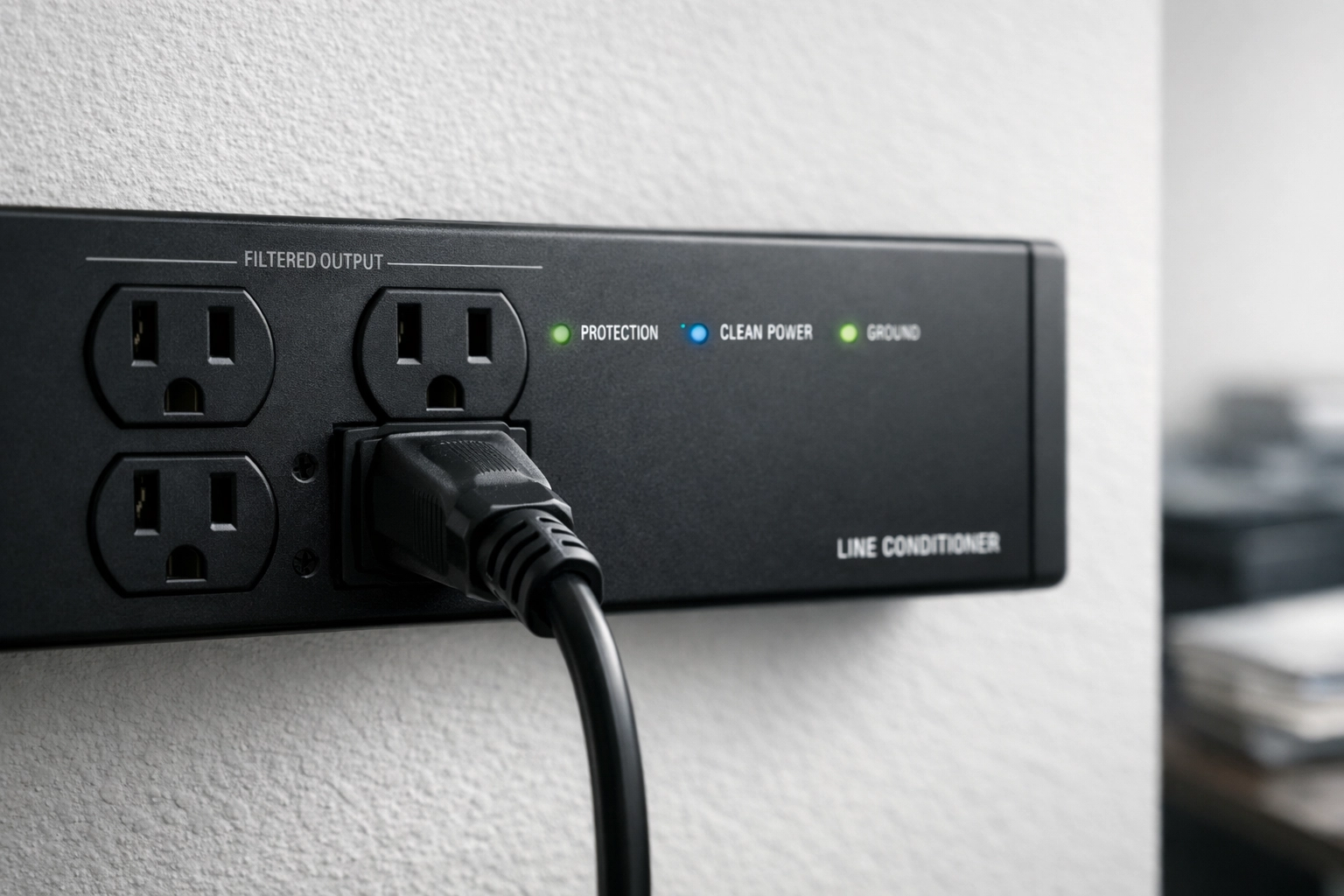
A line conditioner is specifically designed to handle equipment with demanding, variable power draws. Unlike basic surge protectors, line conditioners actively regulate voltage and provide clean, stable power that can accommodate those brutal fuser cycles without breaking a sweat.
The key difference is in how they work. While surge protectors just clamp voltage spikes, line conditioners use transformers and filtering circuits to maintain consistent voltage and frequency: even when your laser printer is doing its power-hungry thing.
The APC LE-1200 is a solid, reasonably priced option that can handle most office laser printers without issue. It provides true line conditioning along with surge protection, giving you the best of both worlds. You can check out line conditioning solutions that are properly rated for demanding equipment.
Option 2: Dedicated Wall Outlet
The simplest solution? Plug your laser printer directly into a dedicated wall outlet, completely separate from your UPS and other protected equipment.
This approach has several advantages:
- Your printer gets unrestricted access to the full current available from your building's electrical system
- Your UPS and critical equipment remain protected with proper runtime calculations
- No risk of the printer's power demands affecting other devices
- Zero additional equipment costs
Just make sure the circuit your printer is on isn't overloaded with other high-draw devices. If you're running a larger commercial printer, you might even want to have an electrician verify the circuit can handle the load.
Best Practices for Office Power Protection
Now that we've solved the printer problem, let's talk about setting up your entire office power protection system the right way.
Segment your power protection by equipment type:
- Critical computing equipment (workstations, servers, networking) → UPS battery backup outlets
- Peripherals that need surge protection but not battery backup (external drives, speakers) → UPS surge-only outlets
- High-draw devices with variable loads (laser printers, space heaters, coffee makers) → Direct wall connection or line conditioner
- Non-essential equipment (lamps, fans, phone chargers) → Basic surge protector or wall outlet
Right-size your UPS: Calculate your actual load before buying. A UPS rated for 1500VA might only provide 900 watts of actual power. Leave at least 20-30% headroom for efficiency and battery longevity. Check out properly sized UPS solutions designed for different office configurations.
Know what NOT to plug into your UPS: Beyond laser printers, avoid connecting:
- Space heaters
- Vacuum cleaners
- Paper shredders
- Coffee makers
- Medical equipment (unless specifically approved)
- Sump pumps
Regular maintenance matters: UPS batteries typically last 3-5 years. Mark your calendar and replace them proactively. A dead battery defeats the entire purpose of having backup power.
The Bottom Line
Your laser printer and your UPS should never share the same power outlet: period. Those massive power surges will either drain your backup battery when you need it most or potentially damage your UPS altogether. It's a disaster waiting to happen, and it's completely avoidable.
Go with a line conditioner if you want comprehensive protection for your printer, or just plug it straight into the wall if you want the simple, no-cost solution. Either way, keep it far away from your UPS battery outlets.
Your critical systems: and your IT budget: will thank you.
Need help designing a proper power protection setup for your office or data center? The team at Ace Real Time Solutions specializes in matching the right power protection equipment to your specific needs. We'll help you avoid common mistakes like the printer trap and ensure every piece of your infrastructure has the protection it actually needs: nothing more, nothing less.