

The 'Ghost Load' Mystery: Those Hidden Power Draws That Are Draining Your UPS Battery Faster Than You Think
The modern data center and commercial facility landscape is facing an unprecedented squeeze. As AI-driven workloads push rack densities toward 50kW and beyond, the margin for error in power protection has effectively vanished. Grid constraints and the volatile nature of utility stability have forced Facility Managers and CTOs to reconsider every milliwatt of consumption. Yet, even with the most advanced Tier III infrastructure, many organizations are discovering a silent killer of uptime: the "Ghost Load."
In an era where "Real-Time Solutions" define the difference between seamless continuity and catastrophic data loss, ignoring these phantom draws is no longer an option. Ghost loads, electricity consumed by equipment in standby mode or while "powered down", are silently eroding the runtime of Uninterruptible Power Supplies (UPS). When a critical utility failure occurs, the 15 minutes of runtime you calculated in your design phase might suddenly drop to 10, leaving your redundancy protocols in a state of failure before the backup generators can even sync.
Why Now? The High Cost of the Invisible Load
The status quo of "oversizing and over-provisioning" is failing. Traditionally, facility managers handled power uncertainty by simply adding more battery strings. However, as the industry shifts toward edge computing and localized micro-data centers, physical space and thermal management have become limiting factors. Every watt of ghost load isn't just a drain on the battery; it is heat that must be rejected by your cooling systems.
When we talk about latency in the context of power protection, we aren't just discussing network speeds. We are talking about the latency of response between power failure and secondary source activation. If your UPS batteries are being depleted by parasitic draws from idle servers, "wall wart" transformers, and management modules, your safety buffer is compromised. In a high-density environment, even a 5% loss in expected runtime can trigger a thermal runaway or an unscheduled shutdown of mission-critical hardware.
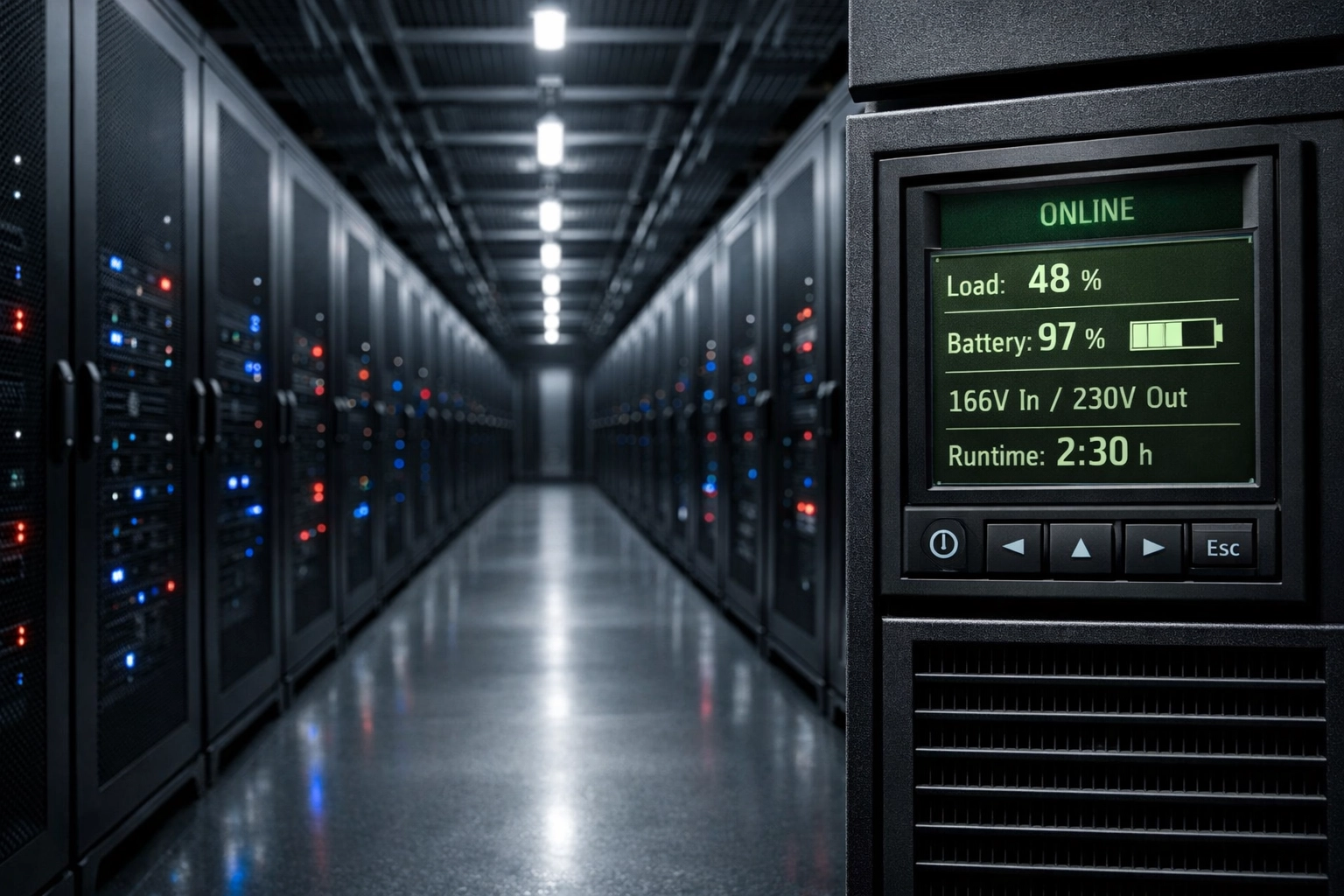
Decoding the Anatomy of a Ghost Load
In a residential setting, a ghost load might be a coffee maker’s clock or a smart TV’s standby LED. In the professional and industrial spheres, the mystery is more complex. Research indicates that phantom loads typically account for 5% to 10% of total energy consumption, but for a UPS system, the impact is magnified by the inverter idle consumption.
When a UPS is operating, particularly in double-conversion (VFI) mode, the inverter must remain active to provide clean, regulated power. If the connected devices are only drawing a few watts of "standby" power, the UPS might still be consuming a baseline of 30W to 50W just to keep the internal circuitry ready. Over a weekend or an extended outage, these small increments aggregate into a massive depletion of your Amp-hour (Ah) capacity.
Common culprits in the enterprise environment include:
- Integrated Management Modules (IPMI/iDRAC): These stay powered to allow remote wake-on-LAN, consuming power even when the server is technically "off."
- External Power Adapters: Standard "wall warts" found on network peripherals continue to draw power and generate heat as long as they are plugged in.
- Idle Network Ports: High-speed switches often maintain power to ports even when no active device is connected.
- Redundant Power Supplies: In N+1 configurations, secondary power supplies that are not actively sharing the load still have a baseline "leakage" current.
The Ghost Load Management Roadmap
To maintain the high standards of Ace Real Time Solutions, facility managers must move beyond reactive maintenance and adopt a proactive stance on power efficiency. Use the following roadmap to identify and eliminate the drains that threaten your uptime.
1. Conduct a Granular Power Audit
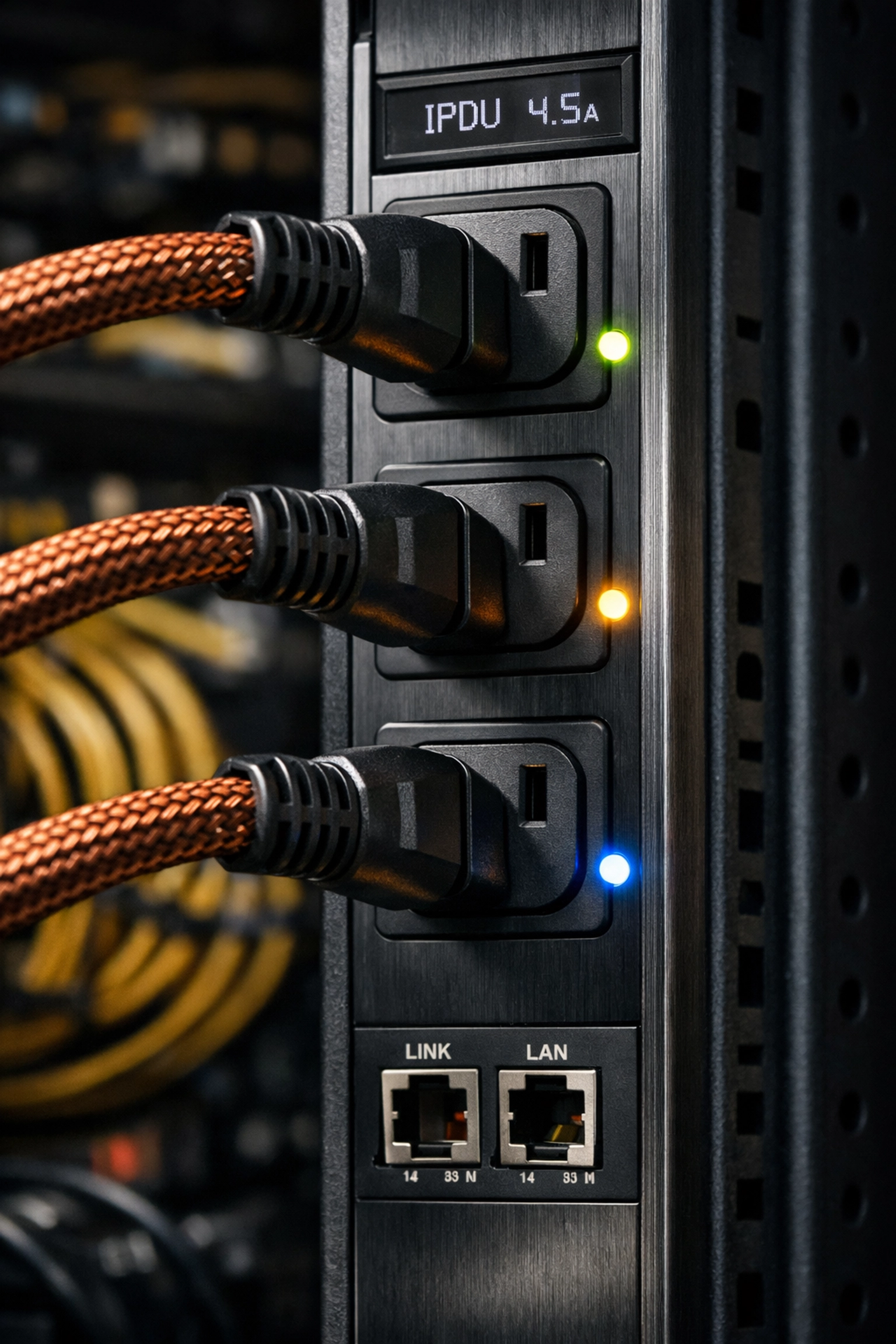
You cannot manage what you do not measure. Use intelligent Power Distribution Units (iPDUs) from partners like APC by Schneider Electric or Vertiv to monitor power consumption at the outlet level. Identify devices that show a persistent draw of 1-5 watts even when labeled as "inactive." Ace Real Time Solutions offers specialized services to help design and execute these audits.
2. Implement Switched PDU Logic
Standard "always-on" strips are a liability. By utilizing switched PDUs, administrators can remotely toggle power to specific outlets. If a test server or a non-essential peripheral is not in use, the power should be cut at the PDU level, not just the device level. This eliminates the "vampire" draw from the device’s internal power supply entirely.
3. Optimize UPS Topologies for Efficiency
Not all UPS systems handle light loads the same way. Many legacy systems have an efficiency curve that drops off sharply when the load is below 20%. Modern systems from CyberPower and Minuteman utilize high-efficiency ECO modes or multi-mode operations that reduce internal losses during low-demand periods.
4. Audit Your 'Zombie' Server Inventory
Industry studies suggest that up to 30% of servers in a typical data center are "comatose": they are powered on, drawing ghost loads, but performing no useful compute work. Decommissioning these assets doesn't just save on the electric bill; it significantly extends the calculated runtime of your UPS battery strings.
5. Transition to Smart Battery Management
Lithium-ion (LiFePO4) battery technology, available through our battery collections, offers superior cycle life and lower self-discharge rates compared to traditional VRLA batteries. When combined with an AI-driven Battery Management System (BMS), you can receive real-time alerts when discharge patterns indicate an unexpected ghost load drain.
Technical Depth: The Efficiency Curve and TCO
When discussing power protection with CTOs, the conversation often centers on Total Cost of Ownership (TCO). A UPS rated for 100kW might have an efficiency of 96% at full load, but if ghost loads keep that UPS running at only 5% capacity during off-hours, the efficiency can tank to 80% or lower. This "efficiency gap" results in thousands of dollars in wasted energy and increased wear on internal components.
For those operating Tier III or Tier IV facilities, redundancy is non-negotiable. However, if your N+1 architecture is plagued by ghost loads across both paths, you are effectively paying double for "vampire power." Real-Time Solutions involve the synchronization of hardware and monitoring software to ensure that every watt-hour stored in your batteries is reserved for actual crisis management, not for powering an empty server rack’s status LEDs.
Resilience Through Precision
The visual identity of Ace Real Time Solutions is built on the stability of Very Dark Blue (#072a3e) and the urgency of Strong Red (#b3151a). This duality represents our approach: calm, reliable engineering backed by a rapid, precise response to power anomalies. Ghost loads may seem like a minor annoyance, but in the high-stakes world of data center management, they are a variable that can break your disaster recovery plan.
By auditing your infrastructure, investing in switched PDUs, and utilizing high-efficiency batteries, you ensure that your facility remains a leader in sustainable and reliable power protection. If you are unsure of your current ghost load impact, it is time for a professional assessment.

FAQ: Understanding Phantom Power in Professional Settings
What is a ghost load in a commercial data center context?
In a commercial or data center environment, a ghost load refers to the cumulative power draw of idle servers, management processors (like IPMI), network switches with unused ports, and the internal standby losses of the UPS itself. Individually these are small, but across a 50-rack facility, they can account for significant energy waste and reduced battery runtime.
How do phantom loads impact UPS battery life?
Phantom loads contribute to a constant shallow discharge of the batteries if the UPS is frequently switching to battery mode for minor fluctuations, or they reduce the total available runtime during a true power outage. Because ghost loads create additional heat, they also put more stress on the UPS cooling fans and internal electronics, potentially shortening the hardware's lifespan.
Can remote monitoring identify hidden power drains?
Yes. Using AI-driven remote monitoring tools and intelligent PDUs, administrators can see real-time power metrics for every device. By comparing the "idle" state power draw to the manufacturer's specs, you can identify "zombie" equipment and phantom draws that should be addressed through better power management protocols.
Are you ready to secure your uptime and eliminate invisible power drains? Don't let ghost loads compromise your redundancy. Contact our team today to request a comprehensive power audit or to download technical spec sheets for our latest high-efficiency UPS solutions. For the best in class power protection, trust Ace Real Time Solutions.