

Smart UPS Systems vs. Traditional Backup Power: Which Is Better for Your 2026 Budget?
When it comes to protecting your critical IT infrastructure, the choice between smart UPS systems and traditional backup power isn't just about upfront costs: it's about making a strategic investment that aligns with your operational needs and long-term budget planning. As we head into 2026, businesses are facing increasing pressure to balance cost efficiency with reliability, making this decision more crucial than ever.
The question isn't simply which system costs less initially, but which delivers better value over time while meeting your specific power protection requirements. Let's break down the real differences and help you make an informed decision for your 2026 budget.
Understanding Smart UPS vs Traditional Backup Power
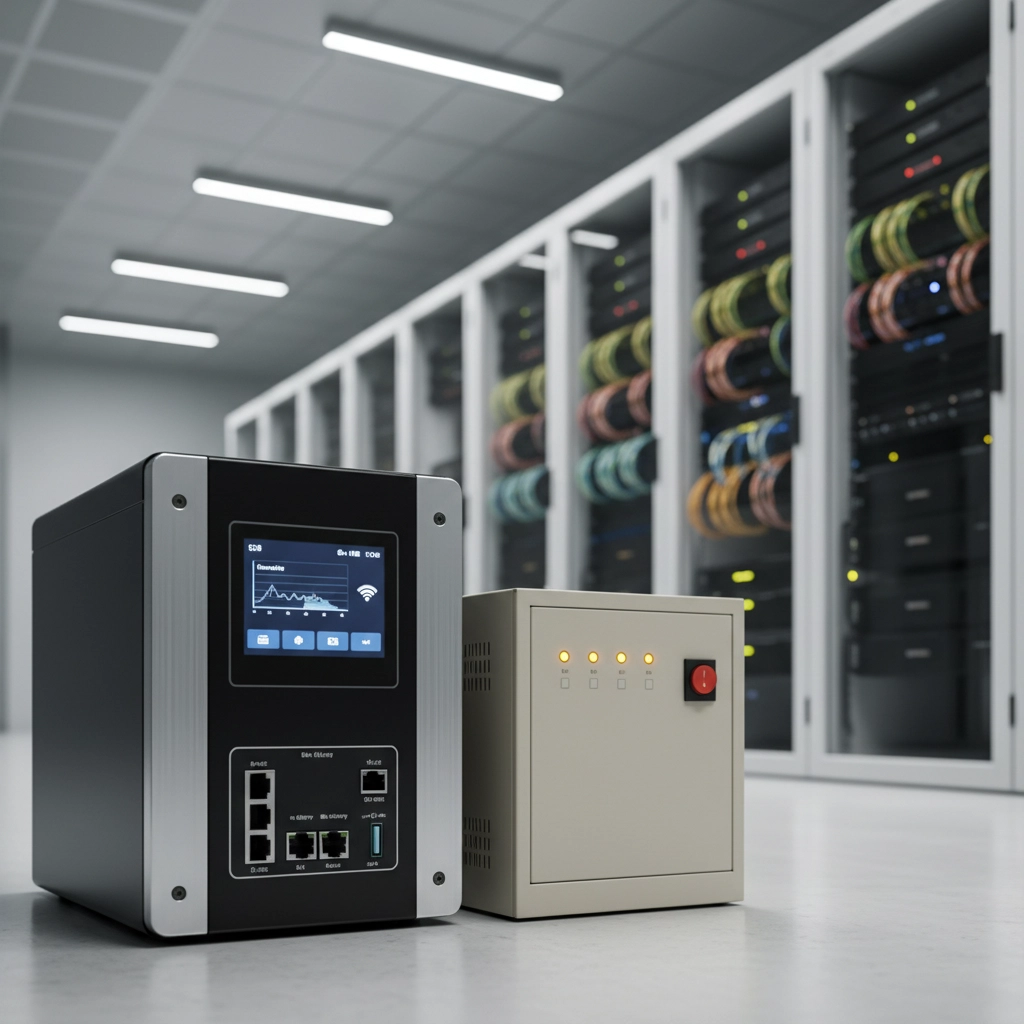
Smart UPS systems represent the evolution of power protection technology. These units deliver pure sine wave output, advanced monitoring capabilities, and intelligent battery management. They're designed for environments where uptime is critical and remote management is essential.
Traditional UPS systems focus on basic battery backup and surge protection. They're straightforward, cost-effective solutions that provide fundamental power protection without the bells and whistles of their smart counterparts.
The key difference lies not just in features, but in how these systems integrate with your broader IT infrastructure and operational strategy.
The Real Cost Comparison: Beyond Initial Price Tags
Upfront Investment Analysis
Traditional UPS systems typically cost 30-50% less upfront than comparable smart UPS units. For a small office setup, you might spend $200-500 on a traditional system versus $800-1,500 for a smart UPS with similar power capacity.
However, this initial cost advantage diminishes when you factor in total cost of ownership over 5-7 years.
Long-Term Operating Costs
Smart UPS systems often deliver significant operational savings:
- Energy efficiency: Advanced power management reduces electricity consumption by 15-25%
- Extended battery life: Lithium-ion batteries in smart systems last 8-10 years compared to 3-5 years for traditional lead-acid batteries
- Reduced maintenance: Remote monitoring minimizes on-site service calls and prevents unexpected failures
- Lower downtime costs: According to Gartner, unplanned downtime costs businesses an average of $7,900 per minute
ROI Timeline
For most business applications, smart UPS systems typically achieve cost parity with traditional systems within 3-4 years, then continue delivering savings throughout their operational life.
Feature Comparison: What You Get for Your Investment
| Feature | Smart UPS | Traditional UPS |
|---|---|---|
| Power Output | Pure sine wave, voltage regulation | Basic output, often simulated sine wave |
| Battery Technology | Lithium-ion (8-10 year lifespan) | Lead-acid (3-5 year lifespan) |
| Remote Monitoring | Real-time alerts, network management | Local indicators only |
| Energy Efficiency | 95-98% efficiency rating | 85-90% efficiency rating |
| Runtime Options | Expandable battery packs | Limited runtime extension |
| Installation Complexity | Requires initial configuration | Plug-and-play simple |
| Scalability | Network-manageable across sites | Individual unit management |
Choosing the Right System for Your Scenario
Small Office Environments (5-15 Workstations)
Recommendation: Traditional UPS
For basic office setups with desktops, routers, and standard office equipment, traditional UPS systems provide adequate protection without unnecessary complexity. The simple installation and lower cost make sense when your power protection needs are straightforward.
Budget allocation: $300-800 for complete office protection
Growing SMEs with Server Infrastructure
Recommendation: Smart UPS
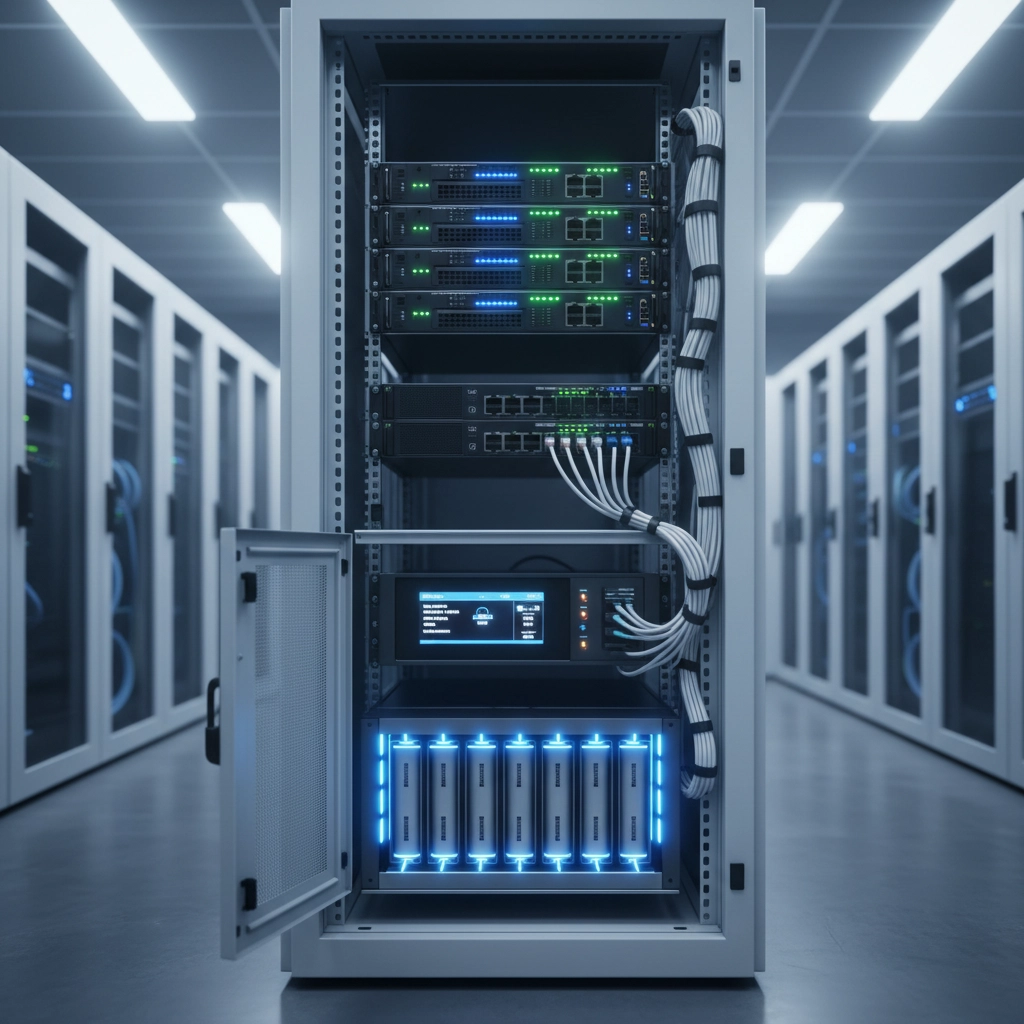
As your business scales and server dependency increases, smart UPS systems become essential. Clean sine wave output prevents hardware errors, while remote monitoring capabilities allow proactive maintenance.
Budget allocation: $1,500-4,000 for comprehensive server room protection
Multi-Site Operations
Recommendation: Smart UPS with centralized management
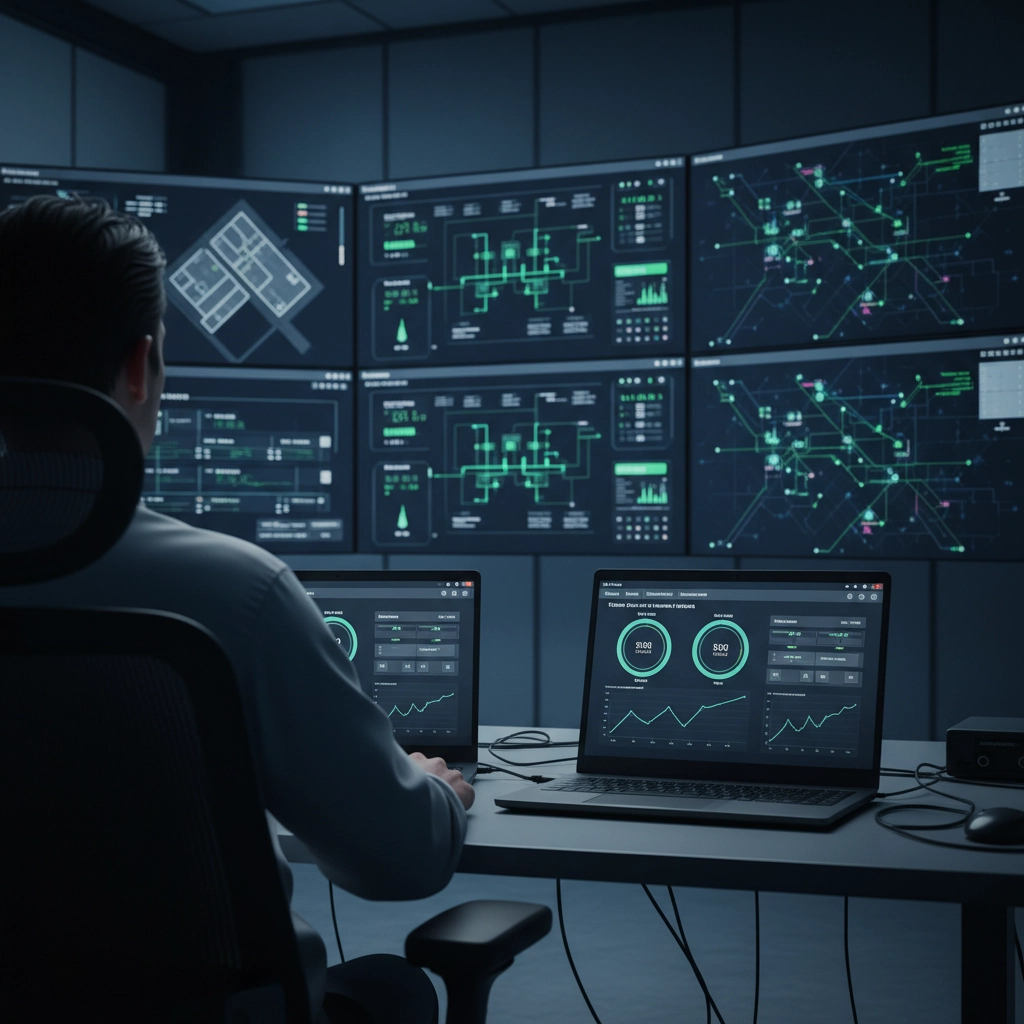
Retail chains, healthcare facilities, and distributed organizations benefit significantly from centralized power monitoring. IT teams can manage power systems across dozens of locations from a single dashboard.
Budget allocation: $2,000-5,000 per site, with centralized management software
Enterprise and Data Center Environments
Recommendation: Smart UPS with redundancy
Mission-critical environments require the highest level of power protection. Smart UPS systems provide the monitoring, efficiency, and reliability needed for 99.99% uptime requirements.
Budget allocation: $10,000-50,000+ depending on load requirements
2026 Budget Planning Considerations
Technology Trends Affecting Your Decision
AI and Edge Computing Growth: Increasing deployment of AI workloads and edge computing devices demands cleaner, more reliable power with better monitoring capabilities.
Remote Work Infrastructure: Hybrid work models require robust power protection for distributed IT assets, making remote monitoring more valuable.
Sustainability Initiatives: Energy-efficient smart UPS systems align with corporate sustainability goals and may qualify for energy efficiency incentives.
Market Factors
Supply Chain Stability: Smart UPS systems with longer component lifecycles provide better protection against supply chain disruptions.
Labor Costs: Remote monitoring capabilities become more valuable as IT labor costs continue rising.
Regulatory Compliance: Industries with uptime requirements increasingly mandate advanced power monitoring and reporting capabilities.
Making the Budget Decision
Questions to Ask Your Team
- What's the cost of one hour of downtime for your operation?
- Do you have IT staff available for on-site power system management?
- How critical is remote monitoring across multiple locations?
- What's your equipment replacement cycle, and how does power quality affect it?
- Are there compliance requirements for power system monitoring?
Calculating Your ROI
Use this simple formula to evaluate your investment:
Annual downtime cost + Annual energy waste + Annual maintenance costs = Total annual cost of inadequate power protection
Compare this figure against the additional cost of smart UPS systems to determine your break-even timeline.
Implementation Strategy for 2026
Phase 1: Critical Systems (Q1-Q2 2026)
Prioritize smart UPS protection for servers, networking equipment, and revenue-generating systems.
Phase 2: User Equipment (Q3 2026)
Evaluate traditional UPS for standard workstations and non-critical equipment.
Phase 3: Monitoring Integration (Q4 2026)
Implement centralized monitoring and management systems for unified power infrastructure visibility.
The Bottom Line
The choice between smart and traditional UPS systems isn't just about 2026 budget constraints: it's about positioning your business for sustainable growth and operational efficiency. While traditional systems work well for basic applications, smart UPS systems increasingly deliver better long-term value for businesses with critical IT dependencies.
Consider your total cost of ownership, not just initial purchase price. Factor in energy costs, maintenance requirements, and the true cost of downtime for your operation. In most cases, the additional investment in smart UPS technology pays for itself within 3-4 years while providing superior protection and peace of mind.
Ready to evaluate power protection options for your specific environment? Contact our team for a customized assessment that aligns with your 2026 budget and operational requirements. Our power protection experts can help you calculate the true ROI of different UPS solutions and design a system that grows with your business needs.