

Portable Power Stations vs. Modular UPS: Which Keeps Your Home Office Running Longer?
When it comes to keeping your home office operational during power outages, the answer is clear: portable power stations significantly outperform traditional UPS systems for extended runtime. While UPS systems typically provide 5-60 minutes of backup power, portable power stations can keep your workspace running for several hours to multiple days. However, the choice isn't always straightforward: each technology serves different purposes in your power protection strategy.
Understanding which solution works best for your home office requires looking beyond just runtime. Factors like switchover speed, power capacity, portability, and your specific equipment needs all play crucial roles in determining the right backup power approach.
Understanding Portable Power Stations
Portable power stations have revolutionized how we think about backup power for home offices. These battery-powered units typically feature lithium-ion or LiFePO4 batteries with capacities ranging from 500Wh to over 5,000Wh, providing substantial energy storage for extended use.
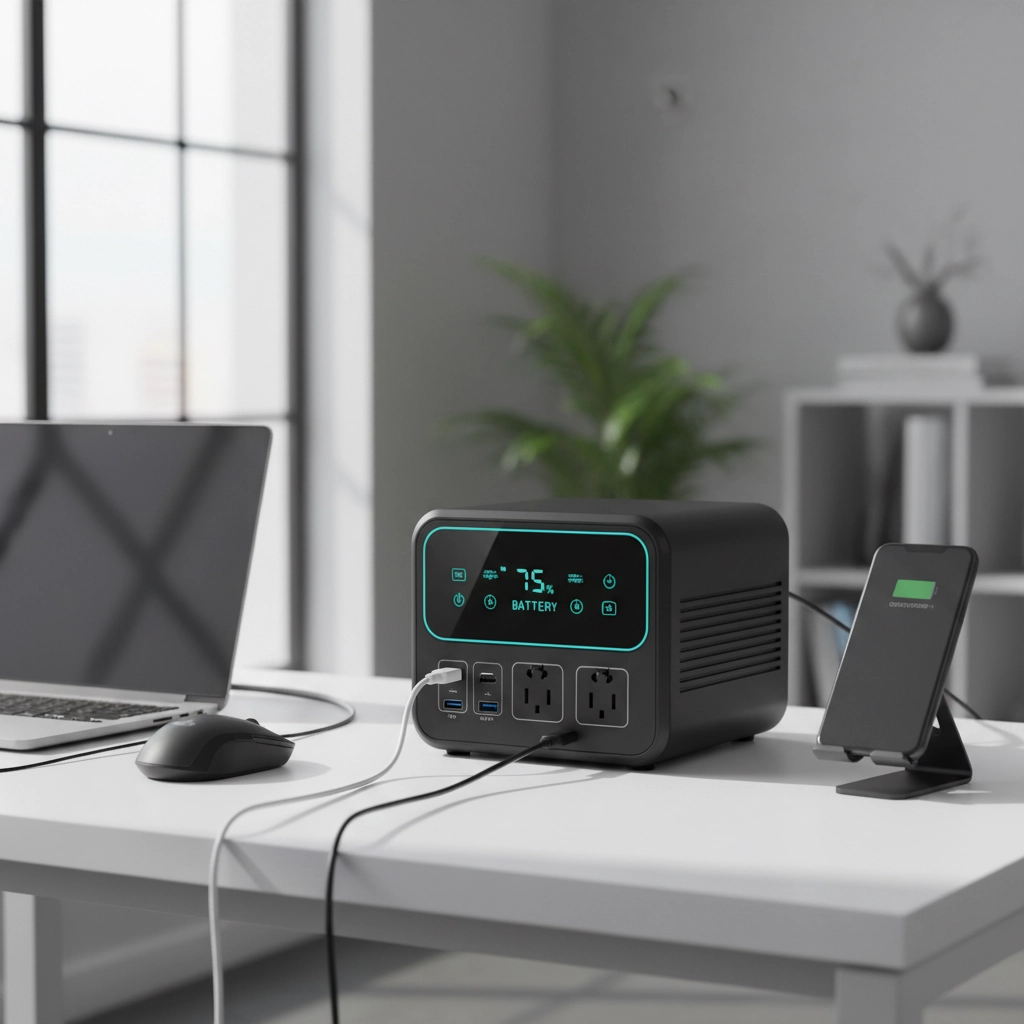
Key Advantages:
- Extended Runtime: Can power home office equipment for 4-24 hours or more, depending on capacity and load
- Multiple Charging Options: Solar panels, wall outlets, and car chargers provide flexible recharging methods
- Versatile Outputs: AC outlets, USB-A, USB-C, and DC ports accommodate various devices simultaneously
- True Portability: Built-in handles and compact designs allow easy relocation
- Silent Operation: No fans or moving parts during normal operation
Notable Limitations:
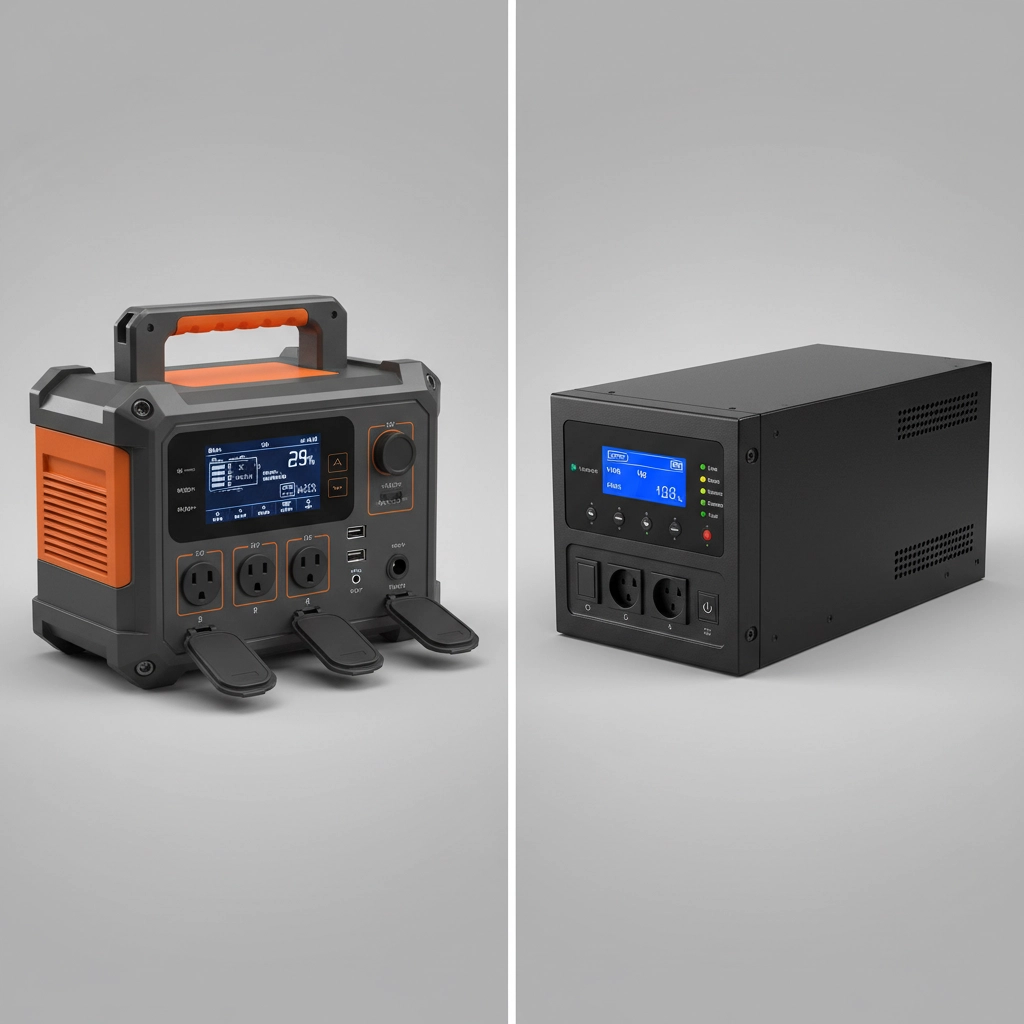
- Switchover Delay: 10-30 millisecond delay when power cuts out can cause computers to reboot
- Higher Initial Cost: Quality units range from $500-$3,000+ depending on capacity
- Charging Time: Large capacity units may require 6-12 hours to fully recharge
Modern portable power stations often include pure sine wave inverters, delivering clean power comparable to wall outlets. This ensures safe operation with sensitive equipment like laptops, monitors, and networking gear.
Understanding Modular UPS Systems
Uninterruptible Power Supply (UPS) systems serve as the traditional backbone of power protection for office environments. These units are specifically engineered to provide immediate backup power while protecting against power surges, voltage fluctuations, and complete power loss.
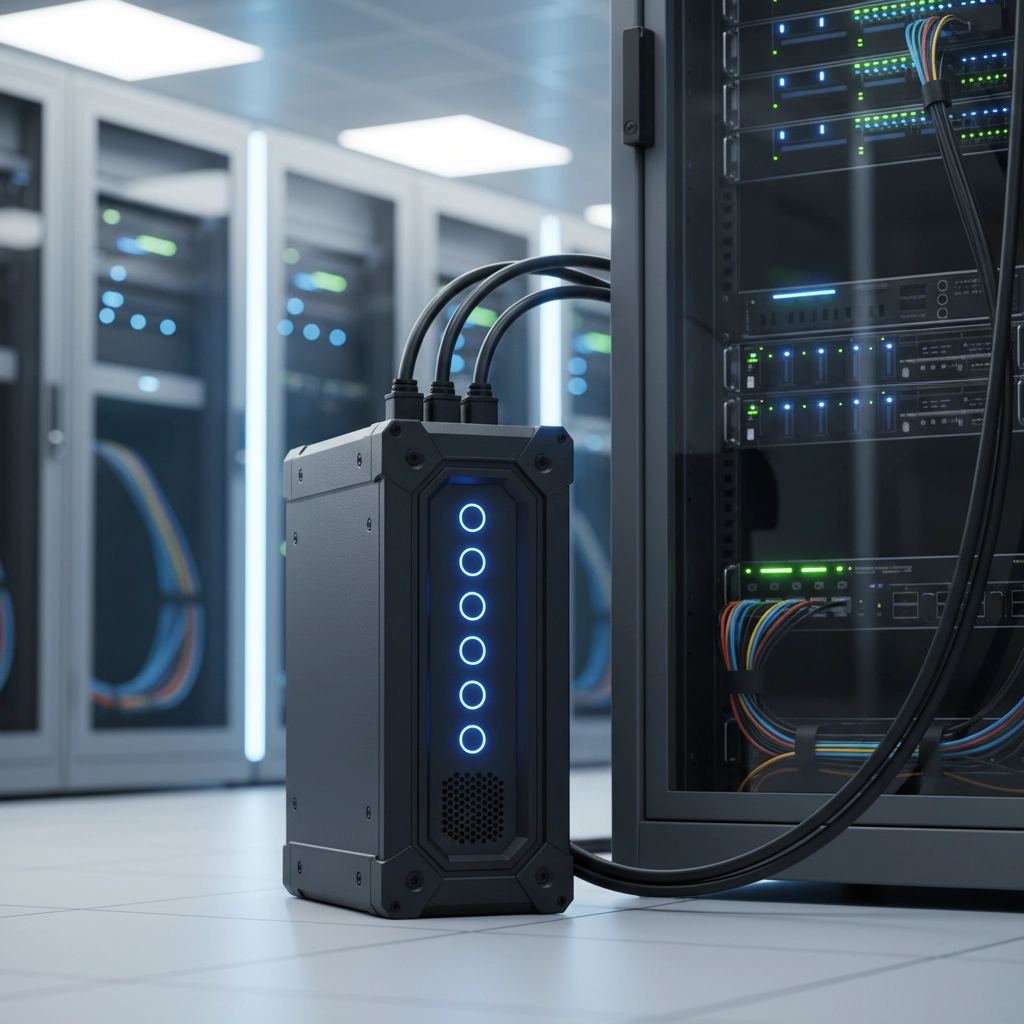
Core Strengths:
- Instantaneous Switchover: 2-5 millisecond switching prevents any interruption to connected devices
- Surge Protection: Built-in protection against power spikes and voltage irregularities
- Automatic Voltage Regulation: Maintains consistent power delivery during brownouts
- Proven Reliability: Decades of refinement in office and data center environments
- Cost-Effective: Basic models start around $100-$300 for home office needs
Primary Constraints:
- Limited Runtime: Typically 5-60 minutes depending on load and battery size
- Single Charging Method: Wall outlet charging only, no solar compatibility
- Stationary Design: Heavy units designed for permanent installation
- Battery Degradation: Lead-acid batteries require replacement every 3-5 years
UPS systems excel at providing clean, uninterrupted power for brief periods, making them ideal for saving work and gracefully shutting down equipment during outages.
Detailed Performance Comparison
| Feature | Portable Power Station | Modular UPS |
|---|---|---|
| Typical Runtime | 6-48+ hours | 5-60 minutes |
| Battery Capacity | 500Wh-5,000Wh+ | 100-800Wh |
| Switchover Speed | 10-30 milliseconds | 2-5 milliseconds |
| Power Output | 300W-3,000W+ | 350W-1,500W |
| Charging Options | Wall, solar, car | Wall only |
| Portability | Highly portable | Stationary |
| Price Range | $300-$3,000+ | $100-$800 |
| Lifespan | 5-10+ years | 3-8 years |
| Maintenance | Minimal | Battery replacement needed |
| Noise Level | Silent | Fan noise during operation |
Home Office Power Requirements Analysis
A typical home office setup consumes 200-800 watts depending on equipment. Here's how different configurations impact runtime:
Basic Setup (200W total):
- Laptop: 65W
- Monitor: 30W
- Router/Modem: 15W
- LED lighting: 20W
- Phone charger: 10W
With a 1,000Wh portable power station, this setup runs approximately 4-5 hours. A standard 600VA UPS would provide only 15-20 minutes.
Advanced Setup (500W total):
- Desktop computer: 150W
- Two monitors: 60W
- Router/Modem: 15W
- Printer: 100W (when printing)
- Various chargers: 25W
- Task lighting: 40W
This configuration would drain a 1,500Wh power station in 2.5-3 hours, while a 1,500VA UPS might last 8-12 minutes.
Strategic Implementation Approaches
The Portable Power Station Strategy
Choose this approach when extended work capability during outages is your priority. Modern units like those in the 1,000-2,000Wh range can sustain a full home office for an entire workday. This strategy works best if:
- Your area experiences frequent, extended outages
- You need complete workspace mobility
- Solar charging appeals for long-term sustainability
- You can tolerate brief equipment reboots during power transitions
The UPS-Focused Strategy
Select a UPS-centered approach when protecting sensitive equipment and maintaining uninterrupted operation takes precedence over extended runtime. This works well if:
- Power outages in your area are typically brief (under 1 hour)
- Your work involves real-time applications or unsaved data
- Budget constraints favor lower initial investment
- Permanent desk setup doesn't require portability
The Hybrid Approach
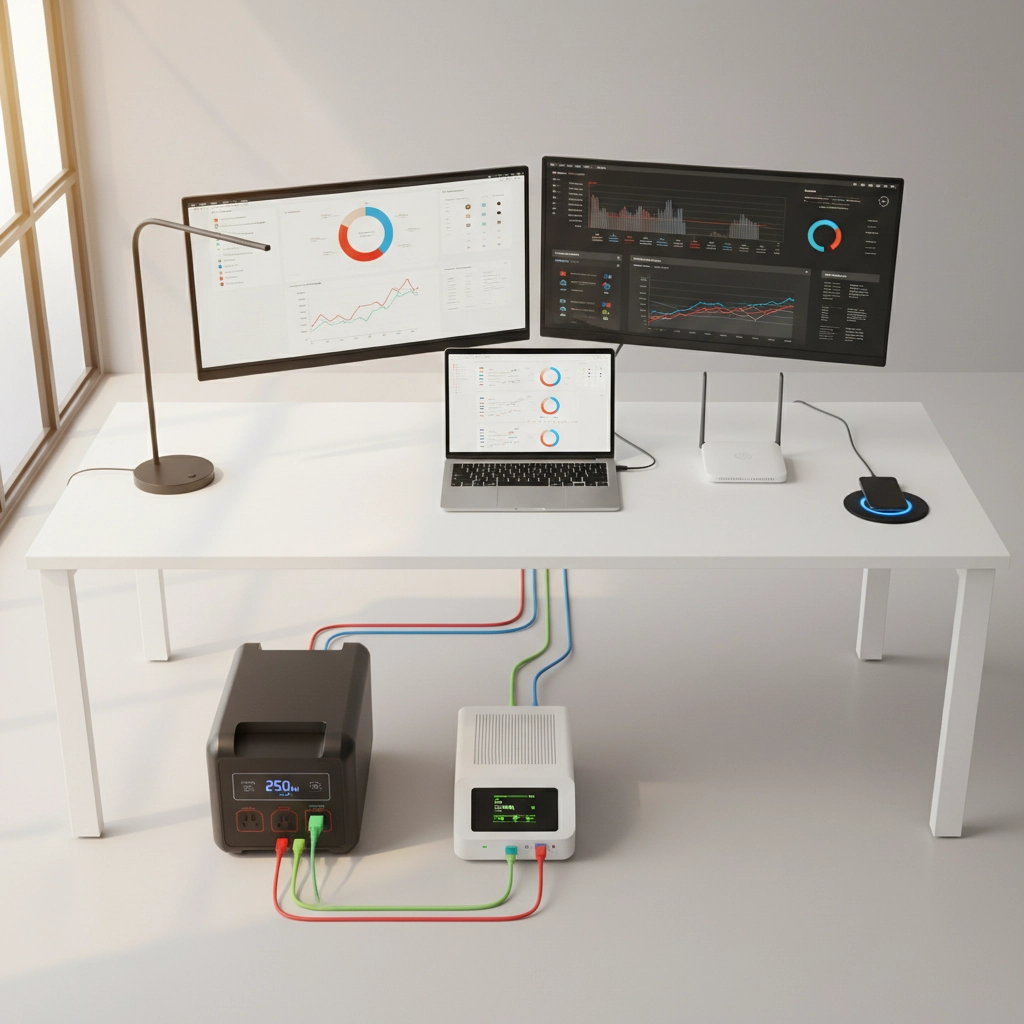
Many professionals implement a two-tier system combining both technologies. Use a UPS for critical equipment (computer, router) to prevent reboots, while a portable power station handles extended runtime for the broader office setup. This approach provides:
- Zero-interruption protection for sensitive devices
- Extended runtime capability when needed
- Flexibility to use the portable station for other purposes
- Redundant backup systems for maximum reliability
Making the Right Choice for Your Situation
Choose Portable Power Stations if you need:
- Work capability during multi-hour outages
- Flexibility to relocate your backup power
- Solar charging for sustainable operation
- Power for devices beyond just computers
Choose UPS Systems if you prioritize:
- Instant switchover to prevent computer reboots
- Protection against power quality issues
- Lower upfront investment
- Proven reliability for critical equipment protection
Consider the Hybrid Approach if you want:
- Maximum protection and flexibility
- Zero compromise on power continuity
- Redundant backup capabilities
- Professional-grade power protection
Conclusion and Next Steps
For keeping your home office running longer during power outages, portable power stations clearly win with their superior battery capacity and extended runtime capabilities. However, the "best" solution depends on your specific needs, budget, and local power reliability.
If you're unsure which approach suits your home office best, consider starting with a quality portable power station in the 1,000-1,500Wh range. This provides substantial runtime while remaining cost-effective and versatile enough for multiple uses beyond office backup.
Ready to protect your home office productivity? Contact our power protection specialists to discuss your specific requirements and find the optimal backup power solution for your workspace. We'll help you calculate your power needs and recommend the right combination of equipment to keep you working when the grid goes down.