
Level Up Your Setup: Power Protection for High-End Gaming
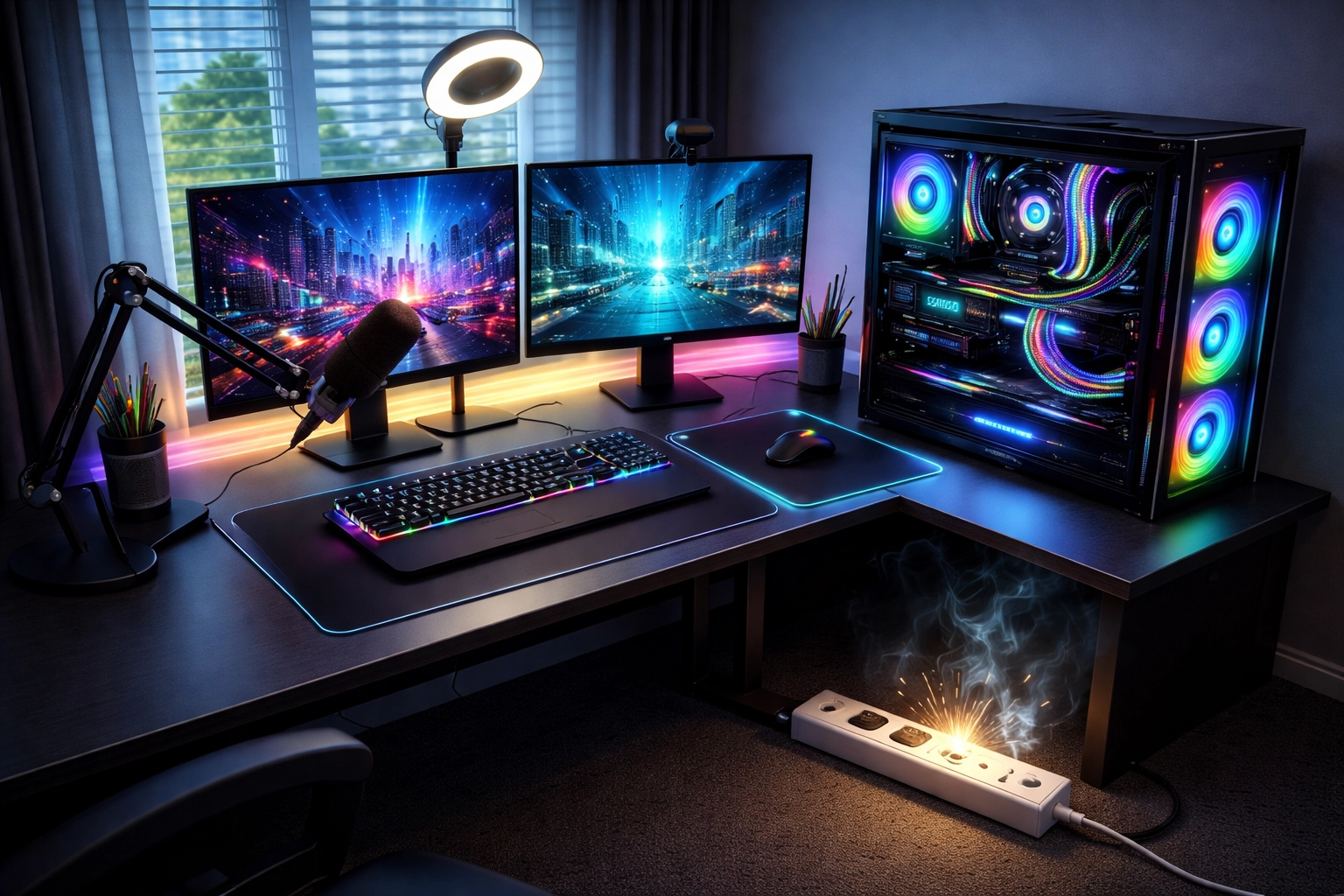
You've spent thousands on that RTX 4090, a gorgeous 4K monitor, professional streaming gear, and RGB lighting that would make a nightclub jealous. But here's the thing: none of that matters if a single power surge fries your entire setup in a millisecond.
We get it. When you're in the middle of a ranked match or streaming to thousands of viewers, the last thing on your mind is your electrical system. But power problems don't care about your K/D ratio or subscriber count. They strike without warning, and the damage can be catastrophic.
Let's talk about how to actually protect all that expensive gear you've worked so hard to build.
The Real Cost of Ignoring Power Protection
Here's a stat that might surprise you: the average gaming PC with high-end components represents an investment of $2,000 to $5,000 or more. Add in monitors, capture cards, microphones, cameras, and lighting rigs, and streamers can easily have $10,000+ sitting on their desk.
Now consider this: a single power surge can destroy all of it instantly.
Power surges don't just come from lightning strikes during storms. They happen constantly from everyday sources:
- Appliances cycling on and off (refrigerators, AC units, space heaters)
- Utility grid fluctuations during peak usage hours
- Construction or maintenance in your neighborhood
- Internal wiring issues in older homes
These micro-surges may not kill your components immediately, but they degrade them over time. That random blue screen? The GPU that died "for no reason" after two years? Power quality issues are often the silent culprit.
Surge Protectors vs. UPS Systems: What's the Difference?
This is where most gamers get confused. Let's break it down simply.
Surge Protectors
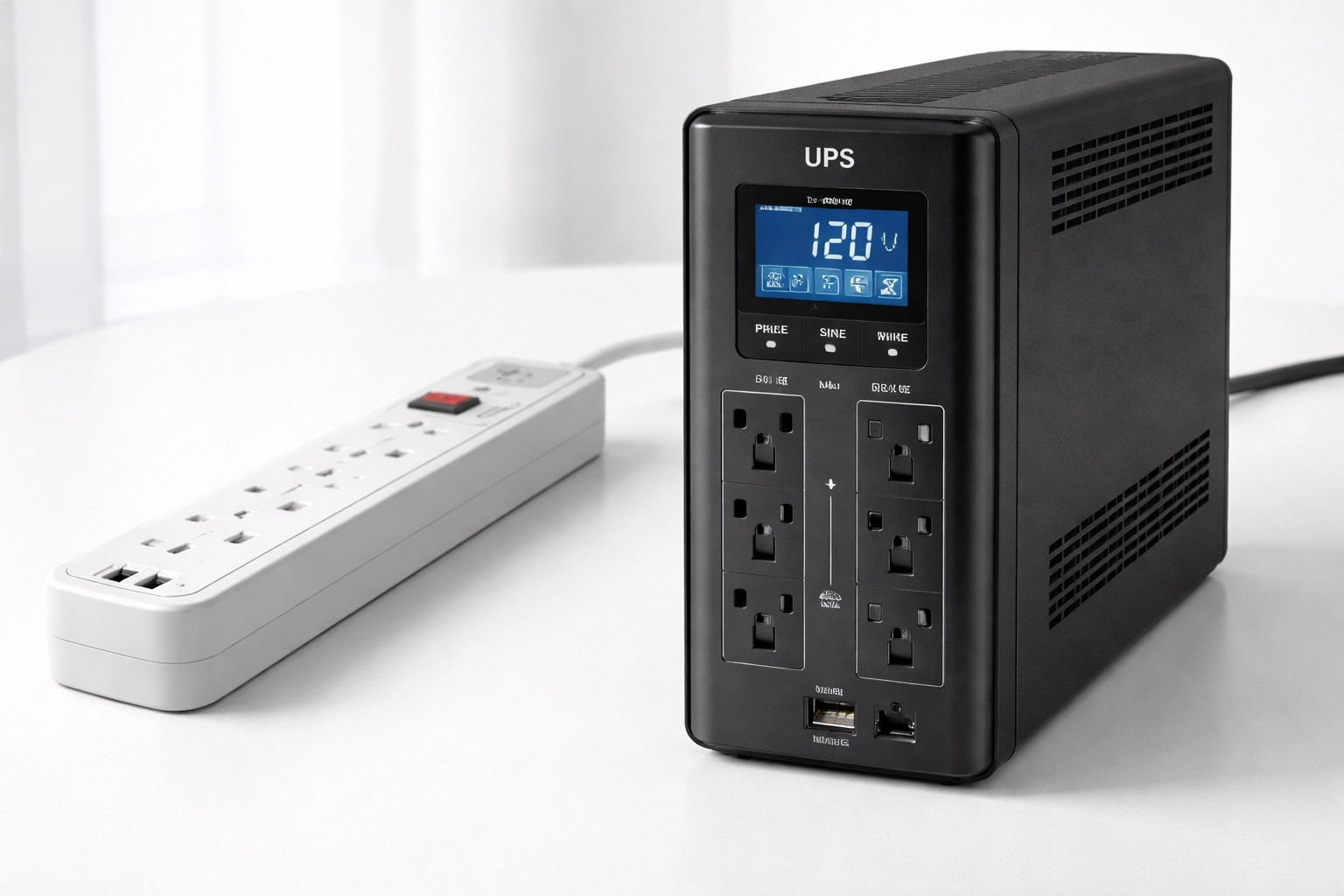
A surge protector is basically a power strip with built-in components that absorb excess voltage before it reaches your devices. They're affordable and add extra outlets, which is great. But here's what they don't do:
- They don't protect against power outages
- They don't provide clean, consistent power
- They degrade over time and eventually stop working (often without any warning)
Many gamers are unknowingly using "dead" surge protectors that absorbed a major surge months ago and now offer zero protection. That little indicator light? It doesn't always tell the whole story.
UPS Systems (Uninterruptible Power Supplies)
A UPS does everything a surge protector does, plus it includes a battery backup. When the power goes out, your UPS kicks in immediately, giving you time to save your work, finish your game, or gracefully end your stream.
For high-end gaming PCs, there's an important distinction: you need a pure sine wave UPS.
Here's why. Most gaming PCs use Active PFC (Power Factor Correction) power supplies. Cheaper UPS units produce "simulated sine wave" power, basically a blocky approximation of clean electricity. This can cause:
- Audible buzzing from your PSU
- Excess heat generation
- Potential long-term damage to components
- System instability during battery operation
A pure sine wave UPS produces smooth, clean power identical to what comes from your wall outlet. Your high-end PSU will thank you.
Key Specifications You Actually Need to Understand
Shopping for power protection can feel overwhelming with all the technical jargon. Here's what actually matters:
Joule Rating
This measures how much energy a surge protector can absorb before it fails. For gaming rigs:
| Protection Level | Joule Rating | Best For |
|---|---|---|
| Basic | 1,000+ joules | Budget setups, consoles |
| Good | 2,000+ joules | Mid-range gaming PCs |
| Excellent | 3,000+ joules | High-end rigs, streaming setups |
| Premium | 4,000+ joules | Professional content creators |
Our recommendation: Don't cheap out here. A 2,000+ joule rating should be your minimum for any serious gaming setup.
Clamping Voltage
This tells you when the protection activates. Look for 400 volts or less. Lower is better: it means the protector starts working sooner to divert excess energy away from your precious components.
VA/Watt Rating (for UPS)
This determines how much equipment your UPS can power and for how long. A typical high-end gaming PC with one monitor draws around 500-700 watts during heavy use. You want a UPS rated for at least 1.5x your expected load.
For example, if your setup draws 600 watts, look for a UPS rated at 900+ watts (around 1500VA).
The APC Smart-UPS 1500VA is an excellent option for most gaming and streaming setups, offering pure sine wave output with enough capacity to handle serious hardware.
Setting Up Your Gaming Station for Maximum Protection
Your battlestation probably includes more devices than you realize:
- Gaming PC
- Primary monitor (maybe secondary and tertiary too)
- Router/modem
- Streaming PC (if you use a dual-PC setup)
- Capture card
- Microphone and audio interface
- Webcam and lighting
- External drives and storage
- Speakers or headphone amp
Here's how to prioritize:
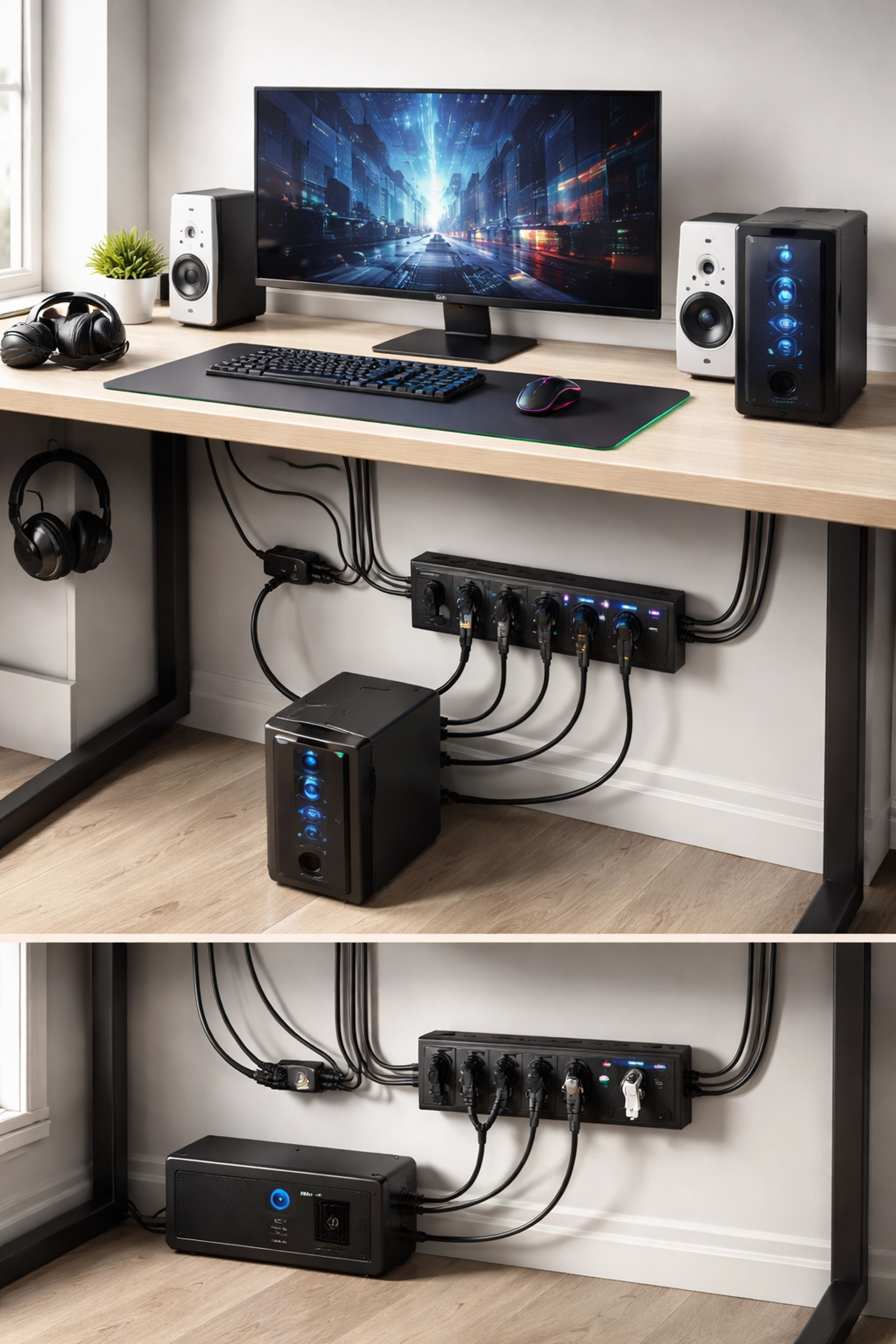
Battery-Backed Outlets (Essential Devices)
Connect these to your UPS's battery-backed outlets:
- Gaming/streaming PC – Obviously
- Primary monitor – So you can actually see to save your work
- Router/modem – Keeps you online during brief outages
- External drives – Prevents data corruption
Surge-Only Outlets (Important but Not Critical)
These can go on surge-protected outlets without battery backup:
- Secondary monitors
- Speakers
- Lighting equipment
- Phone chargers
The Layered Protection Approach
For gamers in storm-prone areas or older homes with questionable wiring, consider a layered protection strategy:
Layer 1: Whole-House Surge Protection Installed at your breaker panel by an electrician, this catches major surges before they even reach your room.
Layer 2: Quality UPS at Your Desk A pure sine wave UPS like the APC Smart-UPS 2200VA provides both surge protection and battery backup for your most critical equipment.
Layer 3: Surge Protectors for Peripherals Additional surge protection for devices that don't need battery backup.
This multi-layer approach ensures that even if one protection method fails, your equipment remains safe.
How Much Runtime Do You Actually Need?
Here's a realistic breakdown of what to expect from a quality gaming UPS:
| UPS Capacity | Typical Gaming PC Load | Expected Runtime |
|---|---|---|
| 750VA | 300W | 8-12 minutes |
| 1000VA | 400W | 10-15 minutes |
| 1500VA | 500W | 12-18 minutes |
| 2200VA | 600W | 15-25 minutes |
Remember: you're not trying to game through an outage. You're buying time to save your progress, end your stream gracefully, and shut down properly. Even 10 minutes is plenty for that.
For streamers who absolutely cannot afford interruptions, the APC Smart-UPS 3000VA offers extended runtime and can handle even the most demanding dual-PC streaming setups.
Quick Checklist: Is Your Setup Protected?
Run through this list:
- Do you have surge protection on ALL gaming equipment?
- Is your surge protector less than 3 years old?
- Does your UPS provide pure sine wave output?
- Is your UPS capacity at least 1.5x your load?
- Are critical devices (PC, main monitor, router) on battery-backed outlets?
- Do you test your UPS battery annually?
- Is your home's electrical system properly grounded?
If you checked fewer than five boxes, it's time to upgrade your protection strategy.
Final Thoughts
You wouldn't drive a $50,000 car without insurance. So why leave your $5,000+ gaming and streaming setup vulnerable to power problems?
The right power protection isn't just about preventing catastrophic failure: it's about maintaining performance, extending component lifespan, and giving yourself peace of mind so you can focus on what matters: dominating lobbies and entertaining your audience.
Need help choosing the right UPS for your specific setup? Browse our complete selection of power protection solutions or reach out to our team. We've been helping people protect their critical equipment for years, and we're happy to help you find the perfect fit.
What's your current power protection setup? Have you ever lost equipment to a surge or outage? Drop a comment below: we'd love to hear your stories and answer any questions.
Related Reading:
- Why Your EV Charger Needs Power Protection
- Consumer vs. Enterprise UPS: Why Going "Cheap" Might Cost You Everything
- The Silent Battery Killer: How Extreme Heat Waves Are Draining Your UPS