

Is Your Smart Home Actually Dumb During a Blackout? Let's Fix That
You've invested thousands of dollars into making your home smarter. Voice-controlled lights, smart thermostats, security cameras that stream directly to your phone, automated locks that let you in with a tap. Life is good: until the power goes out.
Suddenly, your cutting-edge smart home becomes about as useful as a paperweight collection. Alexa won't respond. Your security cameras go dark. That fancy smart lock? Better hope you remember where you put that physical key.
Here's the uncomfortable truth: most smart homes are only smart when the grid is humming along just fine. The moment a storm rolls through or a transformer blows, all that technology becomes frustratingly useless. But it doesn't have to be this way. Let's break down exactly what happens during a blackout and: more importantly: how to keep your smart home running when everyone else is reaching for candles.
The Moment the Lights Go Out: What Actually Happens
When the power fails, it's not just your lights that shut off. A cascade of failures begins almost instantly, and understanding this chain reaction is the first step to preventing it.
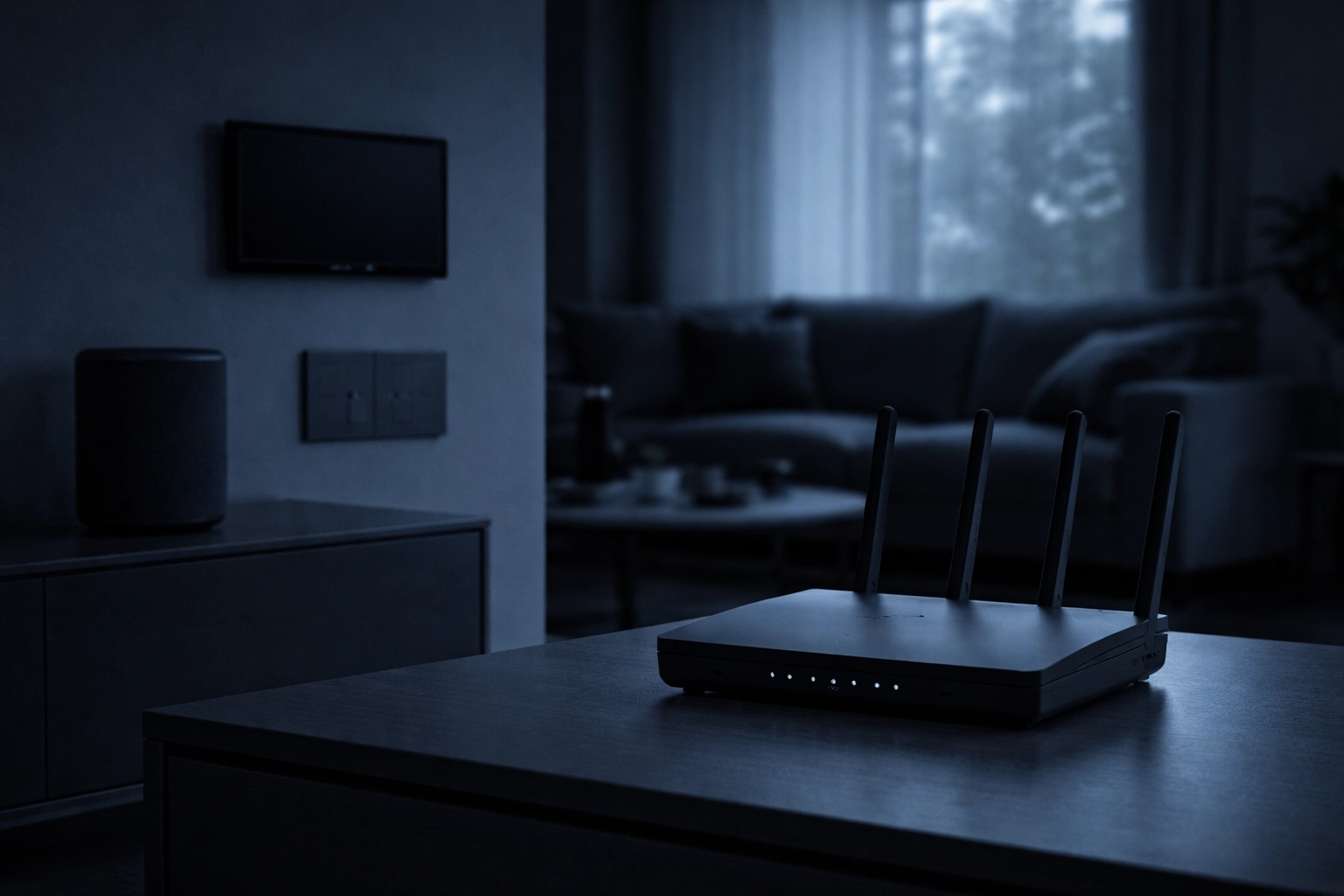
Your Wi-Fi router dies first. This is the critical failure point that most people don't think about. Without your router, every single smart device in your home loses its connection to the internet: and to you. Even devices with battery backup can't communicate because there's no network to communicate through.
Within seconds, you lose:
- Remote access to all cameras, locks, and sensors
- Voice control through Alexa, Google Home, or Siri
- Cloud-based automation and scheduling
- Real-time security alerts and notifications
- Thermostat control and climate automation
According to the U.S. Energy Information Administration, the average American experiences about eight hours of power outages per year. That number has been climbing steadily as our aging infrastructure struggles to keep up with demand and increasingly severe weather events.
What Stops Working (And Why It Matters)
Let's get specific about what you're actually losing during a blackout. This isn't just about inconvenience: for some households, it's a genuine safety concern.
Security Systems Go Blind
Your smart security cameras might have battery backup, but here's the catch: they can record footage locally, but they can't stream it to your phone or alert you to motion. That defeats the entire purpose of having smart security. If someone approaches your home during an outage, you won't know about it until the power comes back.
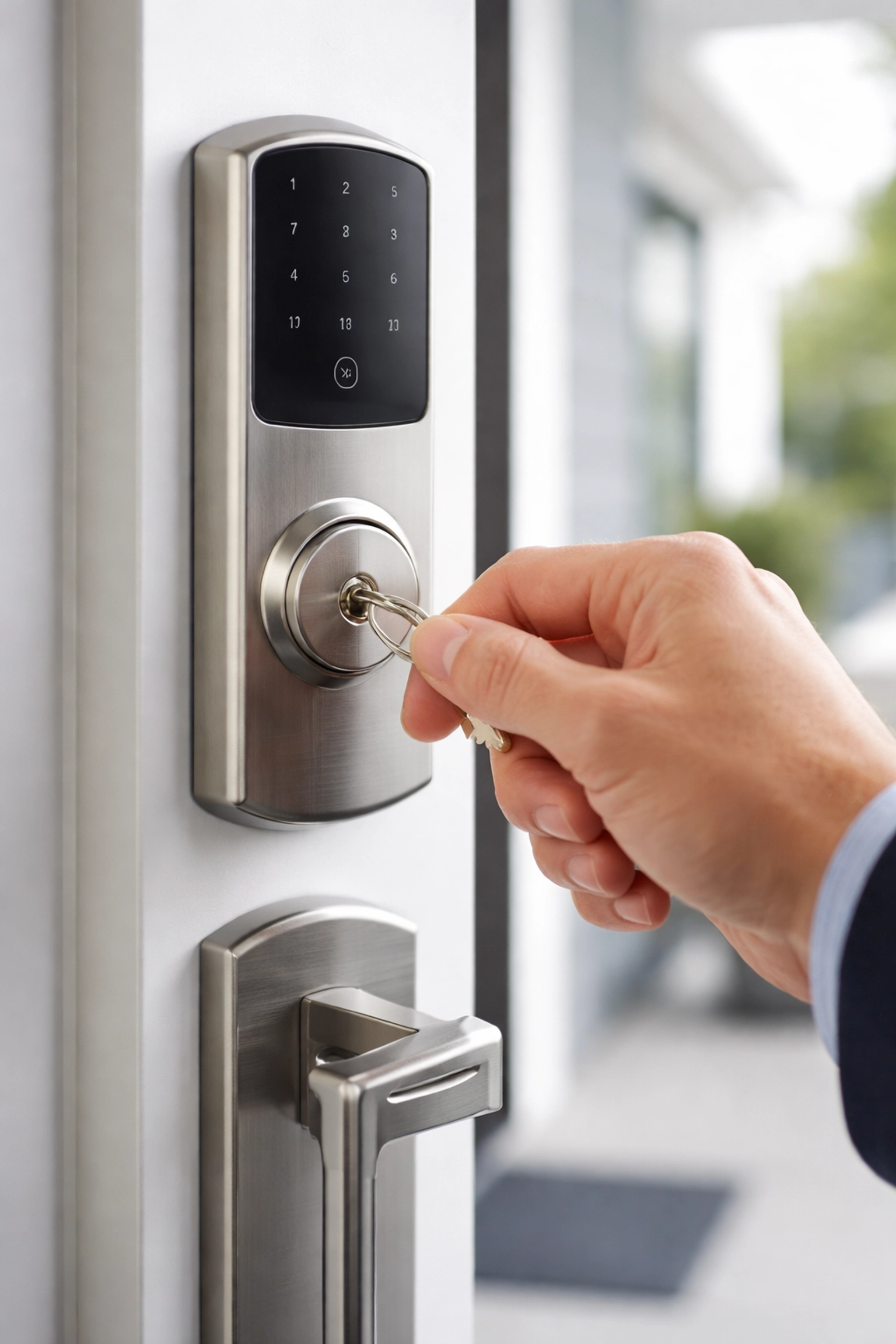
Smart locks present a similar problem. The lock itself might work fine with its battery backup, but app-based control is gone. You're back to using physical keys: assuming you have one and know where it is.
Voice Assistants Become Silent
This one hits people harder than they expect. Voice assistants like Alexa and Google Home depend on three things: power, Wi-Fi, and cloud services. During an outage, they lose all three. No more voice commands, no more smart home control hub, no more quick answers to questions.
For households that have come to rely on voice commands for everything from turning on lights to checking the weather, this sudden silence can be disorienting.
Climate Control Disappears
Smart thermostats lose their programming and remote access capabilities. During a winter storm or summer heatwave: exactly when you need climate control most: you might find yourself unable to adjust your HVAC system through your usual smart interfaces.
What Still Works (There's Some Good News)
Not everything falls apart during a blackout. Most smart device manufacturers build in some level of manual operation.
| Device Type | What Still Works | What Doesn't |
|---|---|---|
| Smart Locks | Physical key access | App control, remote unlock |
| Smart Lights | Physical switches | Voice/app control, automation |
| Garage Doors | Manual release lever | Remote operation |
| Security Cameras | Local recording (battery) | Streaming, alerts |
| Thermostats | Manual temperature buttons | Scheduling, remote access |
The key takeaway here? Familiarize yourself with the manual operations of your smart devices before an outage happens. You don't want to be fumbling around in the dark trying to figure out how to manually open your garage door.
The Real Solution: Power Protection for Smart Homes
Here's where things get interesting. The entire problem we've been discussing comes down to one simple fact: your smart devices and network equipment need continuous power to function. Give them that power, and your smart home stays smart: even when the grid fails.
Uninterruptible Power Supplies (UPS)
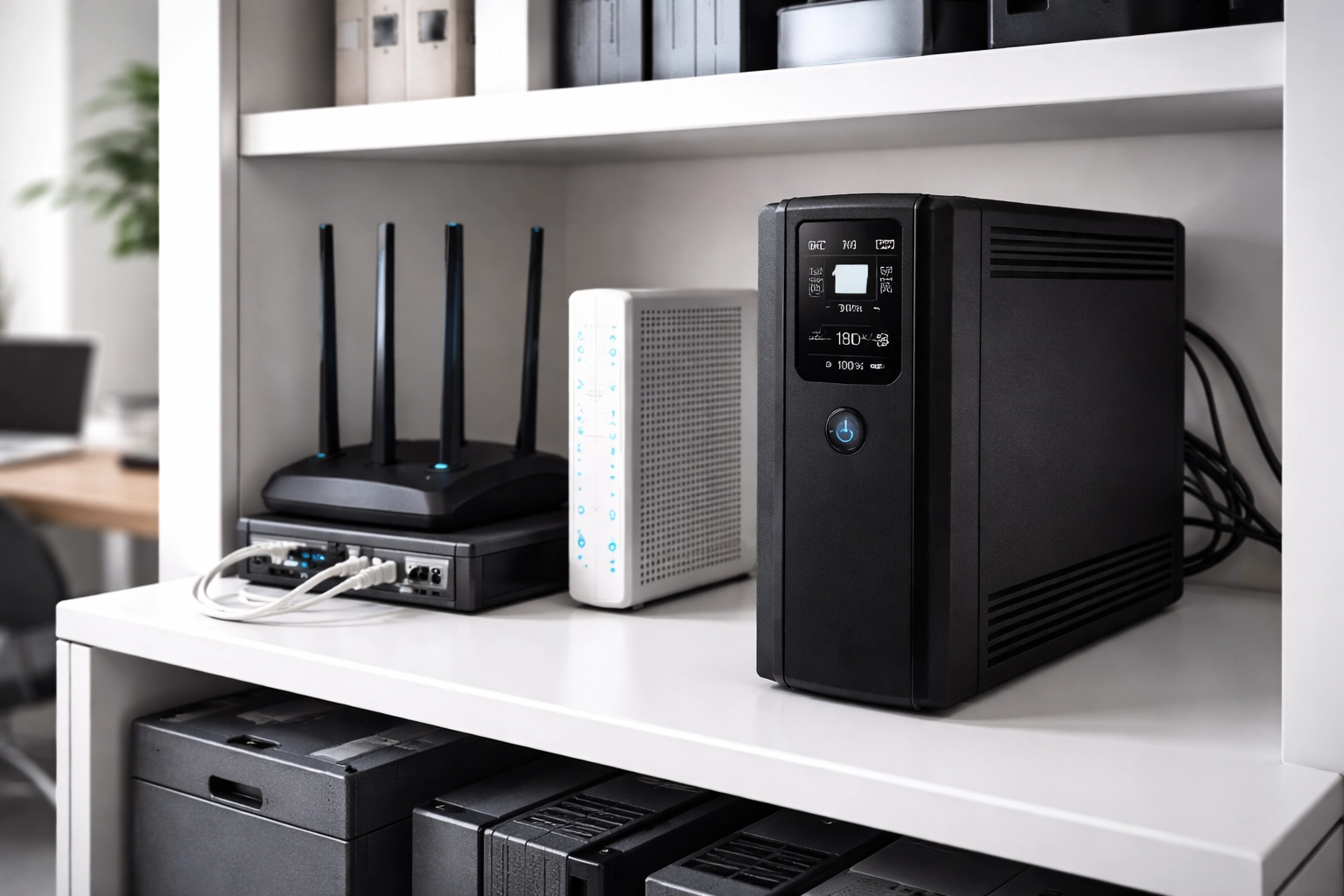
A UPS is the foundation of any serious power protection strategy. These devices provide instant battery backup the moment they detect a power loss, keeping your critical equipment running without interruption.
For smart home protection, you'll want to prioritize:
- Your router and modem – This is non-negotiable. Keep your network alive, and most of your smart home functionality survives.
- Your smart home hub – If you use a central hub for automation, it needs backup power.
- Security system components – Cameras, sensors, and alarm panels.
- Network switches – If you have a more complex home network setup.
A quality UPS like the APC Back-UPS Pro provides multiple outlets and can keep essential network equipment running for hours during an outage. The automatic switchover happens in milliseconds: your devices won't even notice the grid went down.
Battery Backup Systems and Inverters
For extended outage protection, consider stepping up to a more robust battery backup system. Modern inverter chargers can power your entire home network infrastructure for extended periods, and many integrate with solar panels for renewable charging capability.
These systems are particularly valuable if you:
- Live in an area with frequent or extended outages
- Work from home and need reliable connectivity
- Have medical devices that require continuous power
- Run a home-based business with security concerns
Solar-Powered Independence
For the ultimate in smart home resilience, combining solar panels with battery storage creates a self-sustaining power system. When the grid fails, your solar installation keeps generating power, your batteries store the excess, and your smart home keeps running like nothing happened.
This isn't just about convenience: it's about energy independence. According to industry data, homeowners with solar-plus-storage systems report significantly higher satisfaction during grid outages compared to those relying solely on grid power.
Your Smart Home Backup Checklist
Ready to blackout-proof your smart home? Here's your action plan:
- Identify critical devices – Router, modem, hub, security system
- Calculate power requirements – Check wattage for each device
- Choose appropriate UPS – Match capacity to your needs
- Consider extended backup – Battery systems for longer outages
- Test manual operations – Know how every device works without power
- Keep physical keys accessible – For smart locks
- Document your setup – So family members know the backup plan
The Bottom Line
Your smart home is only as reliable as its power source. In 2026, with grid instability increasing and severe weather events becoming more common, power protection isn't optional: it's essential infrastructure for any connected home.
The good news? The solutions are straightforward and increasingly affordable. A well-placed UPS protecting your network equipment can mean the difference between a minor inconvenience and a complete smart home failure.
Don't wait for the next blackout to discover how "dumb" your smart home can become. Take action now, and keep your connected home connected: no matter what the grid does.
Need help designing a power protection strategy for your smart home or business? Contact our team at Ace Real Time Solutions. We've been helping customers stay powered and protected for years, and we'd love to help you find the right solution.
Related reading: Check out our guides on battery selection and solar solutions for more ways to protect what matters most.