

How to Right-Size Your Backup Power Plan When the Grid Keeps Getting Messier (2026 Edition)
Let's be real: the grid isn't getting any more reliable. Between data centers sucking up massive amounts of power, aging infrastructure, and increasing demand from EVs and heat pumps, 2026 is shaping up to be a challenging year for power reliability. If you're still running without a solid backup power plan, now's the time to get serious about it.
But here's the thing: bigger isn't always better. I've seen too many facilities drop serious cash on oversized systems they'll never fully use, or worse, undersize their setup and get caught with their pants down during an extended outage. Right-sizing your backup power isn't rocket science, but it does require some honest math and planning.
Understanding Your Actual Power Needs
Before you even think about shopping for backup systems, you need to know what you're actually powering. And I mean really know: not just a rough estimate.
Start by tracking your critical loads. For commercial and data center operations, this means identifying every system that absolutely cannot go down. We're talking servers, networking equipment, cooling systems, security infrastructure, and emergency lighting. For each piece of equipment, you need the actual wattage it draws under load, not just the nameplate rating.

Here's a practical approach: conduct a load audit during peak operations. Use a power meter or consult your electrical distribution data to capture real-world consumption. The average commercial facility might see 50-100 kWh daily for basic operations, but a small data center or edge computing site could easily hit 500+ kWh depending on density.
Key metrics to document:
- Peak load (maximum simultaneous draw)
- Average continuous load
- Startup surge requirements (some equipment draws 3-5x normal load when starting)
- Critical vs. non-critical systems breakdown
Don't forget about HVAC. A lot of people overlook cooling when planning backup power, but if your servers overheat during an outage, your UPS system becomes pretty pointless. Modern data center cooling can represent 30-40% of total power consumption.
The 2026 Grid Reality Check
If you haven't been paying attention to grid operator reports, here's the wake-up call: things are getting tighter. PJM Interconnection: which serves over 67 million people across 13 states: is projecting a 17% jump in peak demand by 2030. Even more concerning, roughly 21% of PJM's installed firm power capacity is at risk of retirement by 2030.
What does this mean for you? More frequent outages, potentially longer duration events, and less predictable grid conditions overall. The explosion of AI workloads and hyperscale data centers is straining regional grids in ways we haven't seen before.
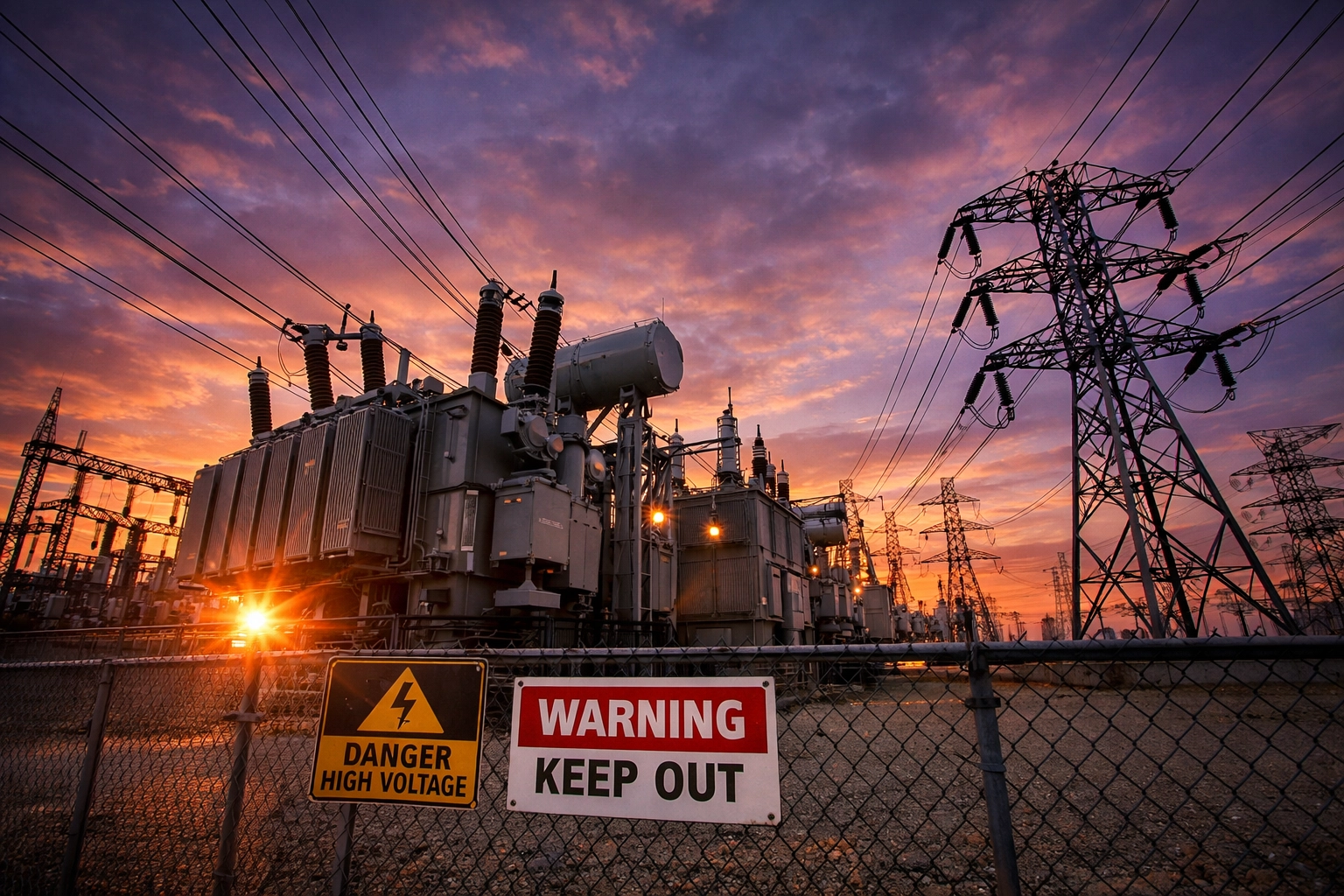
Your backup power plan needs to account for this new reality. Research your specific region's reliability metrics. If you're in an area with aging infrastructure or high data center concentration, plan for longer backup durations. The old "15-minute switchover to generator" assumption might not cut it anymore when outages stretch into hours or days.
The voltage volatility is also increasing. More facilities are experiencing power quality issues: sags, surges, harmonics: that can damage sensitive equipment even before a full outage occurs. This is why modern UPS systems with active power conditioning are becoming essential, not optional.
Right-Sizing: The Goldilocks Approach
Here's where most people go wrong: they either massively oversize (wasting budget and floor space) or undersize (leaving themselves vulnerable). The right approach sits somewhere in the middle, based on actual analysis rather than guesswork.
Calculate your minimum runtime requirements:
For critical IT loads, industry standard is typically 10-15 minutes on battery backup: enough time for a clean shutdown or generator startup. But in 2026, you might want to bump that to 30-60 minutes given the grid instability we're seeing.
Take your peak critical load (in kW) and multiply by your desired runtime (in hours). That gives you the minimum battery capacity in kWh. For example, if you're running 50 kW of critical loads and want 1 hour of runtime, you need at least 50 kWh of battery capacity.
But here's the catch: batteries don't deliver 100% of their rated capacity, and they degrade over time. Build in a 20-30% overhead to account for efficiency losses and aging.
For generator-backed systems, size your fuel storage for at least 24-48 hours of operation at 50% load. We're seeing supply chain issues persist, so assuming you can get a fuel delivery within hours might be optimistic during a regional emergency.
Industrial and Commercial Considerations
The backup power landscape for commercial operations looks different in 2026. There's been a surge in demand for mid-range industrial units in the 300-500 kW range: driven largely by modern HVAC requirements and increased computing density.
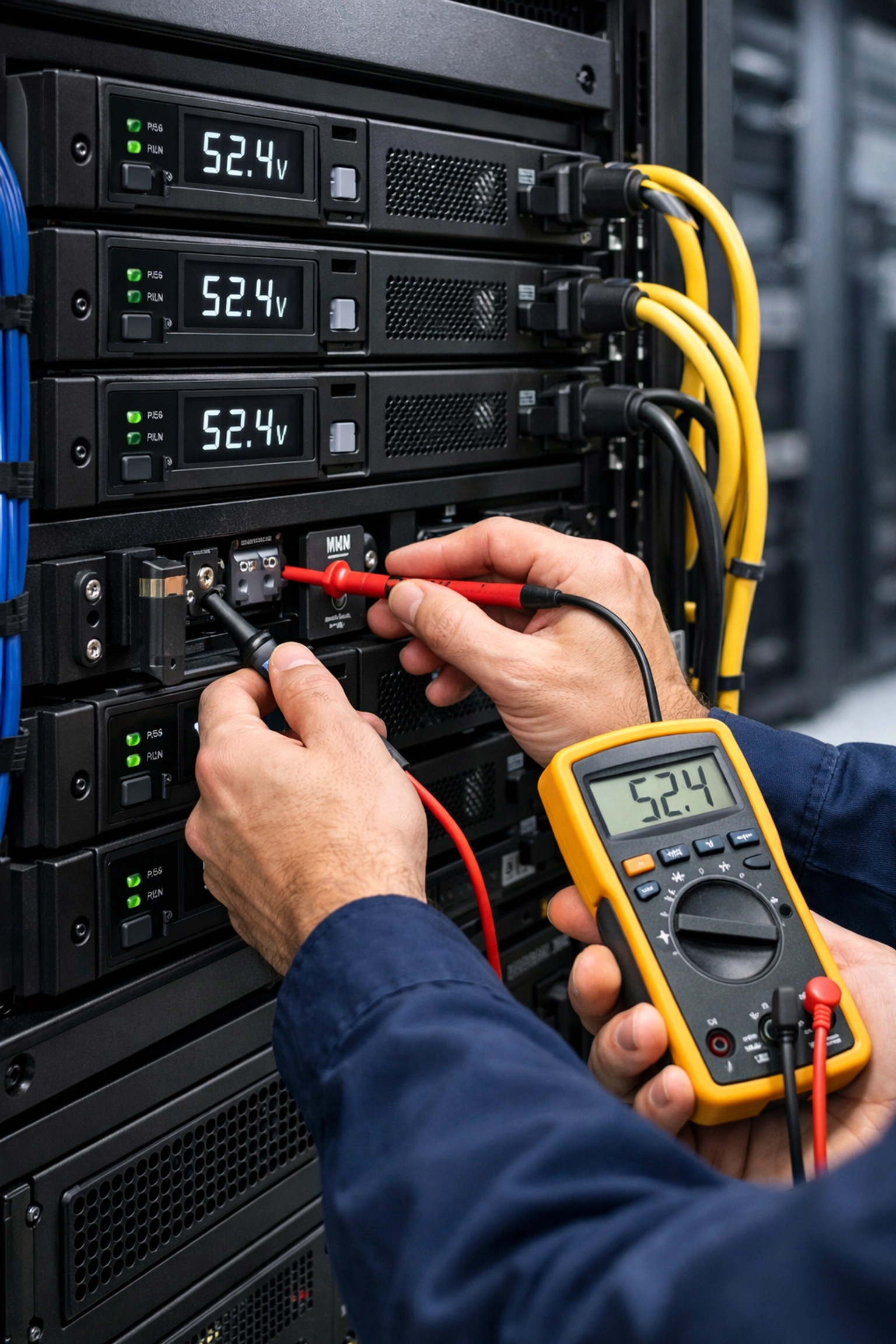
If you're spec'ing systems for industrial or commercial deployments, pay close attention to voltage compatibility. I've seen projects delayed for weeks because someone ordered 480V equipment for a 208V facility. Voltage conversion adds cost, complexity, and efficiency losses that nobody wants to deal with during an emergency.
For edge computing deployments, modular UPS systems are becoming the standard. These allow you to start with baseline capacity and add modules as your load grows. The flexibility is worth the slightly higher per-kW cost, especially when you're dealing with dynamic workloads or phased buildouts.
Industrial sizing considerations:
- Factor in motor inrush currents (can be 6-10x running current)
- Account for simultaneous startup scenarios
- Consider harmonic filtering requirements for variable frequency drives
- Plan for N+1 or 2N redundancy for critical operations
According to recent industry data, downtime costs for industrial operations average $7,900 per minute. When you put that number against the cost of properly sized backup power, the ROI becomes pretty obvious.
Future-Proofing Your Investment
One thing I've learned: facilities never stay static. You add equipment, expand operations, or integrate new technologies. Your backup power plan needs to accommodate growth without requiring a complete redesign.
Modular systems are your friend here. Start with 60-70% of your current maximum capacity, leaving headroom for expansion. Most quality systems support parallel operation, letting you add capacity in increments rather than ripping everything out and starting over.
Also consider the operational lifespan. Lead-acid batteries might be cheaper upfront, but they typically last 3-5 years and require regular maintenance. Lithium-ion systems cost more initially but can run 10-15 years with minimal intervention. When you factor in replacement cycles and maintenance labor, the TCO often favors lithium.
Questions to ask about expandability:
- Can I add battery modules without system downtime?
- Is the control system scalable across multiple units?
- What's the maximum configuration this platform supports?
- Are firmware updates and long-term support guaranteed?
Also think about integration with renewable energy. If solar or wind becomes cost-effective for your location, having a backup system that can interface with renewable sources gives you options. The power landscape is shifting, and locked-in solutions might feel outdated in just a few years.
Implementation and Maintenance Best Practices
You've done the math, sized your system correctly, and made the purchase. Now comes the part that determines whether your investment actually works when you need it: proper implementation and ongoing maintenance.
Installation considerations:
- Ensure adequate ventilation and temperature control (battery performance degrades above 77°F)
- Plan for seismic compliance if you're in an earthquake-prone region
- Verify your electrical service can handle the charging load
- Test the system under actual load conditions, not just at commissioning
Schedule annual professional inspections: seriously, put it in the calendar now. During these checkups, technicians should verify battery health, test transfer switches, inspect connections for corrosion, and validate monitoring systems. The monitoring piece is crucial; modern systems should alert you to potential issues before they become failures.
Keep your battery environment clean. Dust accumulation reduces cooling efficiency and can create tracking paths for electrical faults. A simple quarterly cleaning protocol can significantly extend equipment life.
Making It Happen
Right-sizing your backup power in 2026 isn't about buying the biggest system or the cheapest option: it's about honest assessment of your needs, realistic planning for grid conditions, and smart investment in expandable, maintainable infrastructure.
The grid isn't getting more reliable. Data center demand continues climbing. And the cost of downtime keeps increasing. What you spend on properly sized backup power today looks like cheap insurance compared to the cost of an extended outage.
Need help figuring out the right solution for your specific situation? Reach out to our team at Ace Real Time Solutions: we've helped hundreds of facilities get their backup power strategy dialed in, and we'd be happy to walk through your requirements.
The best time to plan your backup power was yesterday. The second best time is right now, before the next grid event catches you unprepared.