

Are Network-Connected UPS Systems a Security Risk? 5 Smart Steps to Protect Your Power Infrastructure
Here's something that keeps security teams up at night: the same network connectivity that makes your UPS systems convenient to monitor and manage also turns them into potential entry points for cyberattacks. And honestly? Most organizations don't even realize they're sitting on a ticking time bomb.
The truth is, network-connected UPS devices have become prime targets for threat actors. Federal agencies like CISA and the Department of Energy have issued warnings about these vulnerabilities, and the numbers are sobering, UPS devices make up 55% of connected devices vulnerable to cybersecurity breaches. When you're protecting critical infrastructure, that's not a statistic you can ignore.
Why Your Network-Connected UPS Is a Target
Let's be real: UPS manufacturers added IoT capabilities with the best intentions. Remote monitoring? Automated alerts? Predictive maintenance? These features genuinely make life easier. But here's the catch, many vendors rushed these capabilities to market without building adequate security defenses.

Think about it this way: your UPS system has always been a critical piece of infrastructure. Now it's also an internet-connected device with an IP address. That changes everything.
The Vulnerability Landscape
Here's what makes network-connected UPS systems such attractive targets:
Default Credentials Are Everywhere - This one's almost embarrassing. Attackers routinely exploit unchanged factory default usernames and passwords. It's like leaving your front door unlocked with a welcome mat that says "Come on in."
Remote Code Execution Flaws - Critical vulnerabilities like TLStorm (affecting APC Smart-UPS devices) allow attackers to upload malicious firmware remotely without any user interaction. Zero clicks required. That's terrifying.
Outdated Protocols - Most UPS systems still rely on SNMP versions 1 and 2. These protocols were designed in the 1990s when security was an afterthought. They're inherently vulnerable to modern cyber threats.
Missing Authentication - Some management interfaces lack proper authentication mechanisms altogether. It's like having a control panel for your power infrastructure that anyone can access if they know where to look.
The Real-World Impact (It's Not Pretty)
When we talk about "security risks," it's easy to think in abstractions. But compromised UPS devices have tangible, potentially devastating consequences.
A threat actor who gains access to your UPS system can:
- Shut down power to connected systems on demand
- Disrupt operations in server rooms and data centers
- Affect medical facilities where power interruption means life or death
- Create cascading failures across your entire infrastructure
And here's the kicker: Gartner research shows that 70% of organizations without a firmware upgrade plan will be breached due to a firmware vulnerability. Your UPS system might be providing perfect power protection while simultaneously serving as an open door for attackers.
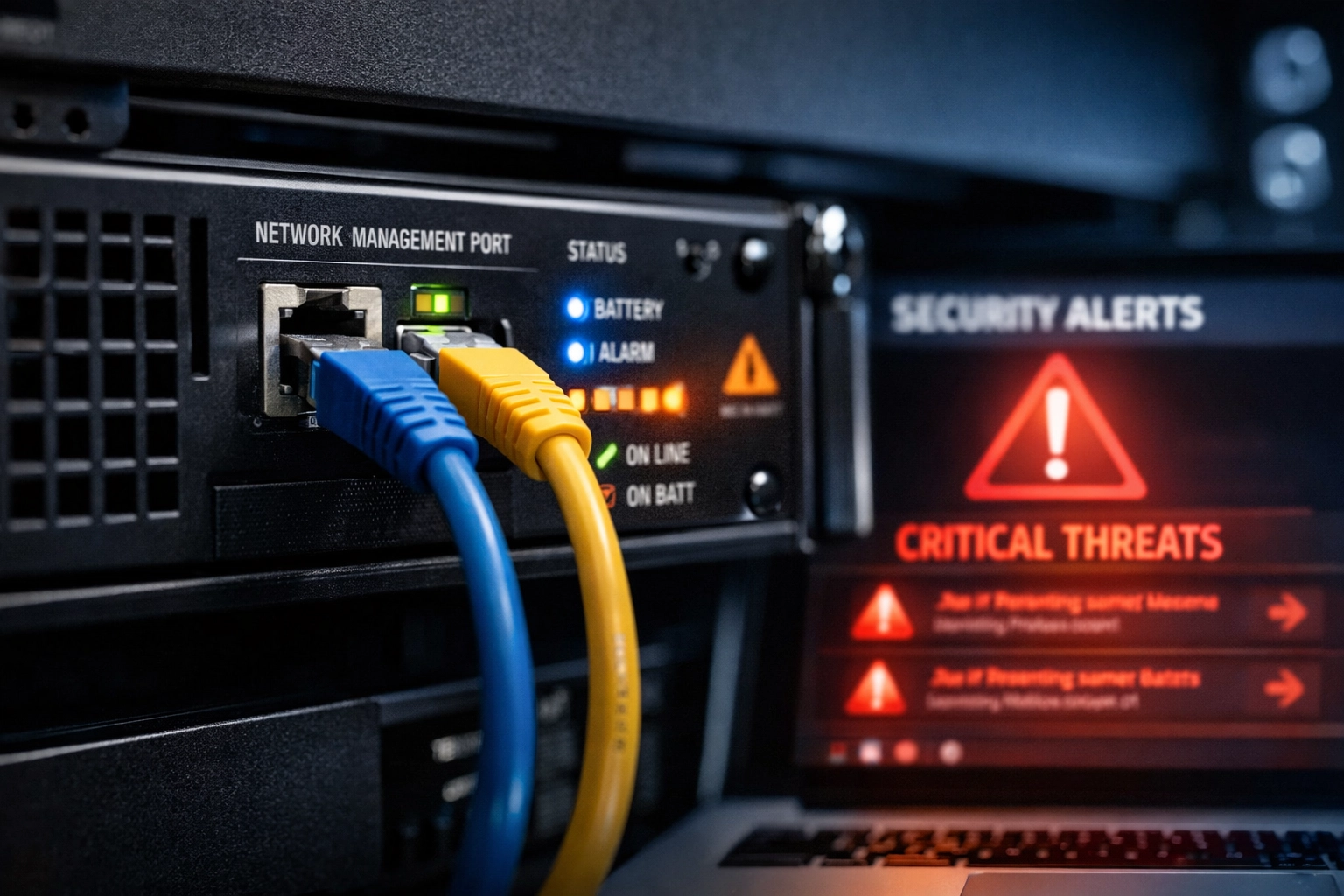
5 Smart Steps to Protect Your Power Infrastructure
Alright, enough doom and gloom. Let's talk solutions. These five steps aren't theoretical, they're practical measures you can implement starting today.
1. Get Your UPS Management Interfaces Off the Public Internet
This is non-negotiable. The primary mitigation strategy is simple: disconnect UPS devices from internet access entirely if at all possible.
"But we need remote monitoring!" I hear you. If disconnection isn't an option, here's what you do:
- Place devices behind a virtual private network (VPN)
- Enforce multi-factor authentication for all access
- Implement strict IP whitelisting
- Monitor access logs religiously
Think of this as creating layers of defense. Yes, it adds friction to remote management. But friction for legitimate users also means friction for attackers, and that's exactly what you want.
2. Change Every Single Default Credential (Yes, Every Single One)
This should happen the moment you unbox any new UPS device. Factory-default credentials are the most common attack vector, and they're completely preventable.
Here's your action plan:
- Replace all default usernames and passwords immediately
- Use strong, long passphrases following NIST guidelines
- Implement a password management system for your infrastructure devices
- Document the change process in your security procedures
Pro tip: Make this part of your deployment checklist. No device goes live until default credentials are changed. No exceptions.
3. Treat Firmware Updates Like the Critical Security Patches They Are
Remember that Gartner statistic about firmware vulnerabilities? Yeah, that's why this matters.
Install security updates for UPS devices without delay. Not "when you get around to it." Not "during the next maintenance window three months from now." Promptly.
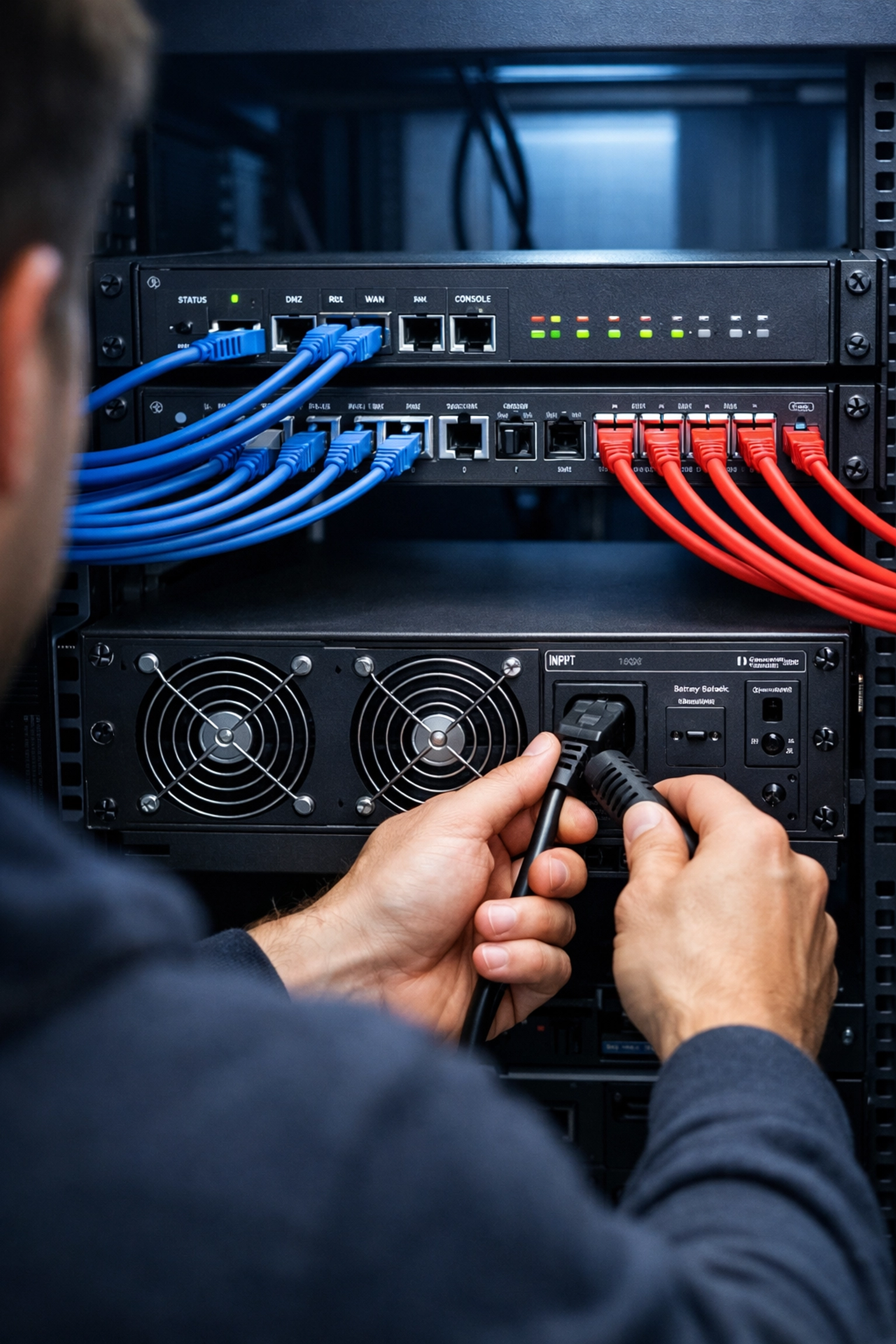
Create a firmware management strategy:
- Subscribe to vendor security bulletins
- Establish a testing protocol for new firmware
- Schedule regular update cycles
- Maintain a complete inventory of firmware versions across all devices
Think of firmware updates the same way you think about patching your servers. Because functionally? That's exactly what they are.
4. Implement Network Segmentation and Upgrade Your Protocols
Your UPS devices shouldn't be hanging out on the same network segment as everything else. They definitely shouldn't be directly accessible from the internet.
Network segmentation basics for UPS systems:
- Create dedicated VLANs for power infrastructure devices
- Implement firewall rules that restrict access to specific management stations
- Ensure UPS devices cannot connect to untrusted networks
- Use network access control (NAC) to enforce device compliance
And about those protocols: audit your current monitoring setup. If you're still using SNMP v1 or v2 (and honestly, most organizations are), start planning your migration to more secure alternatives. It's not sexy work, but it's necessary work.
5. Know What You've Got (Seriously, Inventory Everything)
You can't protect what you don't know exists. This sounds basic, but you'd be surprised how many organizations discover forgotten UPS devices during security audits.
Your inventory should include:
- Every UPS device on your network
- Current firmware versions
- Network accessibility status
- Management interface configurations
- Responsible personnel for each device
- Last security review date
This isn't a one-time project. Make it an ongoing process. New devices get added, old ones get decommissioned, configurations drift over time. Your inventory needs to stay current.
Additional Security Best Practices
Beyond these five core steps, consider these supplementary measures:
- Regularly audit access controls and review who has access to UPS management interfaces
- Scan any USB drives or mobile data exchange methods before use on UPS systems
- Keep your VPNs updated to the most current versions
- Conduct periodic penetration testing that specifically includes power infrastructure
- Train your team on the security implications of network-connected power systems
The Bottom Line
Network-connected UPS systems aren't inherently insecure, but they require the same security attention as any other critical infrastructure component. The convenience of remote monitoring and management is valuable: you just need to implement it securely.
The good news? The steps outlined above are entirely achievable. You don't need a massive security overhaul or unlimited budget. You need systematic attention to basic security hygiene combined with an understanding of your specific vulnerabilities.
At Ace Real Time Solutions, we help organizations implement secure power protection strategies that don't compromise on convenience or capability. Our team understands both the power protection side and the security implications: because in 2026, you can't separate the two.
Ready to assess your power infrastructure security? Contact our team for a consultation. We'll help you identify vulnerabilities and implement practical solutions that keep your systems powered and protected.